Key takeaways
- Online booking works only if every service has a realistic duration. Time your services for a week before you publish slots.
- Set working days, hours, a buffer between appointments, minimum notice and how far ahead people can book. These five settings prevent most clashes.
- Never let two customers book the same chair or person at the same time; block breaks, leave and festival closures in advance.
- Reduce no-shows with a confirmation and a reminder the day before, and keep walk-ins in the same calendar.
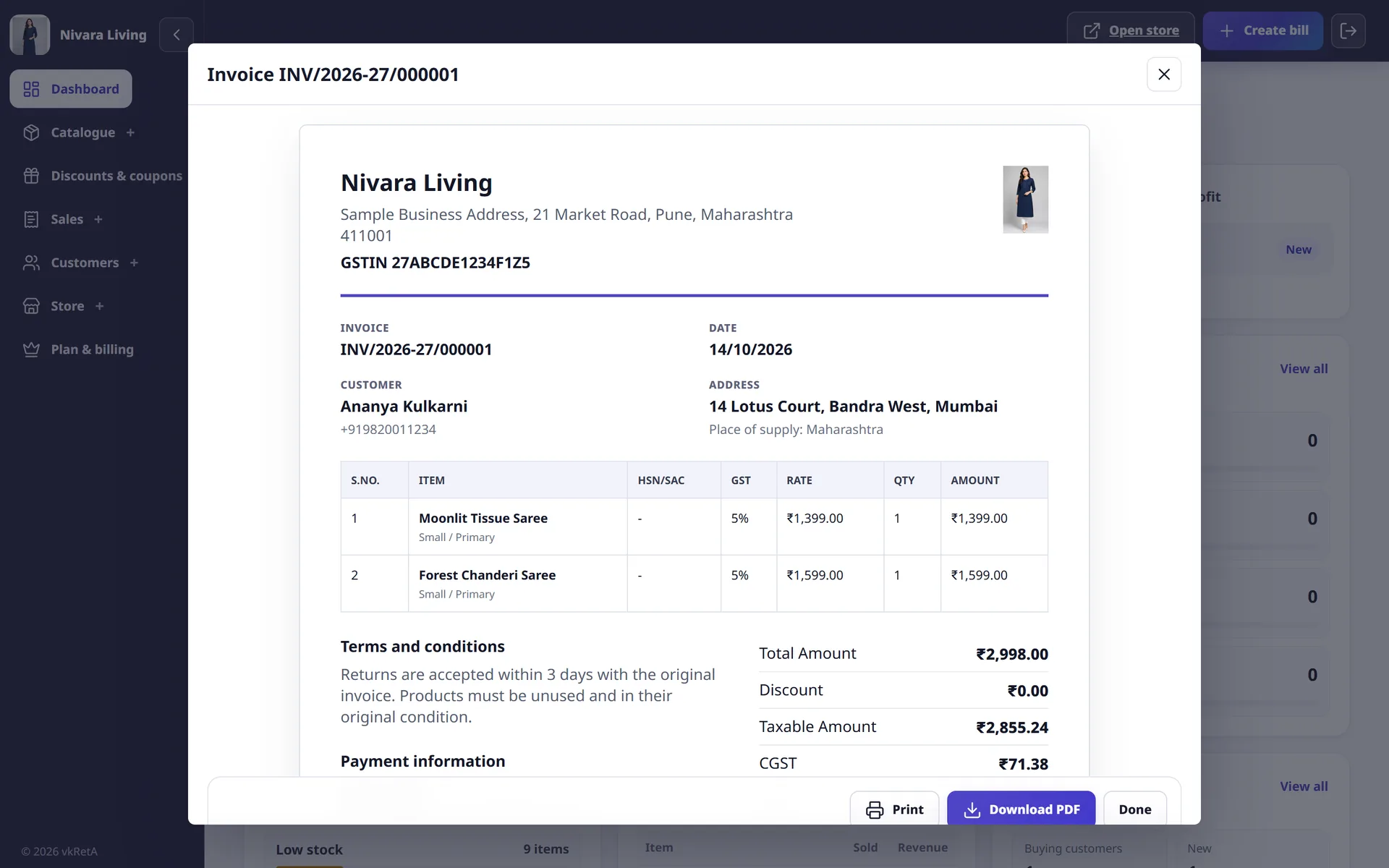
- Bill the finished appointment from the booking itself, so the service, price and customer are already filled in.
For a salon, beauty parlour, clinic, tutor or repair service, the phone is both the booking system and the biggest interruption. A stylist stops mid-haircut to check a diary, a receptionist double-books a Saturday slot, and a customer who called after hours books with someone else. Online booking fixes this only if the slots it shows are real. This guide covers how to set it up so they are.
List your services with honest durations
Booking software calculates free slots from service durations. If your durations are guesses, every slot after the first one of the day will be wrong.
For one normal week, write down how long each service actually takes, from the customer sitting down to the chair being ready again. Then build a simple service list:
| Service | Typical duration | Price | Notes for the customer |
|---|---|---|---|
| Haircut (men) | 30 min | ₹250 | |
| Haircut and blow-dry (women) | 60 min | ₹700 | Arrive with washed hair if possible |
| Facial | 60 min | ₹1,200 | |
| Bridal trial | 120 min | ₹3,500 | Bring reference photos |
| AC service visit | 90 min | ₹600 | At customer's address; parking needed |
These figures are illustrative. Use your own timings and prices. Round durations up rather than down; a slot that ends five minutes early costs nothing, while one that runs ten minutes over delays every customer after it.
Where it applies, check the GST rate for each service and note it against the service. Many salon and wellness services moved to 5% GST from 22 September 2025, but rates depend on the service and your registration, so confirm with your CA. The GST invoice guide explains what the bill itself must show.
Set the five rules that control availability
Almost every booking tool asks for the same few settings. Getting them right matters more than which tool you choose.
| Setting | What it does | A sensible starting point |
|---|---|---|
| Working days and hours | When customers can book at all | Your real opening hours, minus the last half hour |
| Booking interval | How often a slot can start, for example every 15 or 30 minutes | 15 min for short services, 30 min otherwise |
| Buffer | Gap after each appointment for cleaning or setup | 10 to 15 min |
| Minimum notice | How soon before a slot someone can book | 1 to 2 hours, so you are never surprised |
| Advance window | How far ahead people can book | 2 to 4 weeks; longer for bridal and events |
Then block the time you are not available: lunch breaks, weekly off days, staff leave and festival closures. Do this at the start of each month. A customer who books a slot on a day you are closed will not book online again.
Prevent double bookings and keep walk-ins in the system
The main reason to move off a paper diary is that the system can refuse a slot that is already taken. That only works if every booking goes into the same calendar, including:
- bookings taken on the phone;
- walk-in customers who are served immediately;
- repeat appointments booked at the counter.
If staff serve walk-ins without recording them, the online calendar will show a free slot that is not actually free. The simplest rule is that nobody starts a service without it being in the calendar, even if it takes ten seconds to add.
For businesses with several staff or chairs, decide whether customers book a specific person or any available person, and set availability for each. A popular stylist's calendar fills quickly; showing "any available stylist" keeps bookings coming without overloading one person.
Reduce no-shows
No-shows hurt small service businesses because the time cannot be resold. Practical steps that help:
- Confirm every booking with the date, time, service and address, by SMS or WhatsApp.
- Remind the day before and ask the customer to reply if they cannot come. Most no-shows are forgotten appointments.
- Make cancelling easy. A customer who can cancel with one message frees the slot; one who feels awkward simply does not turn up.
- Keep a short waiting list for busy days and call it when someone cancels.
- For long, high-value services such as bridal makeup, consider an advance agreed in writing, with clear refund terms.
Record no-shows against the customer. After two or three, it is reasonable to ask that customer to book by phone or pay an advance.
Share your booking link where customers already are
Customers will not search for your booking page. Put the link where they already contact you:
- your WhatsApp Business profile and quick replies ("You can pick a time here: ...");
- your Instagram bio and posts showing your work;
- your Google Business Profile;
- a QR code at the reception desk and on your visiting card.
Answer the phone politely as before, but offer the link: "I can book you now, or you can choose any free time on this link." Over a few weeks, regular customers usually switch.
Turn finished appointments into bills
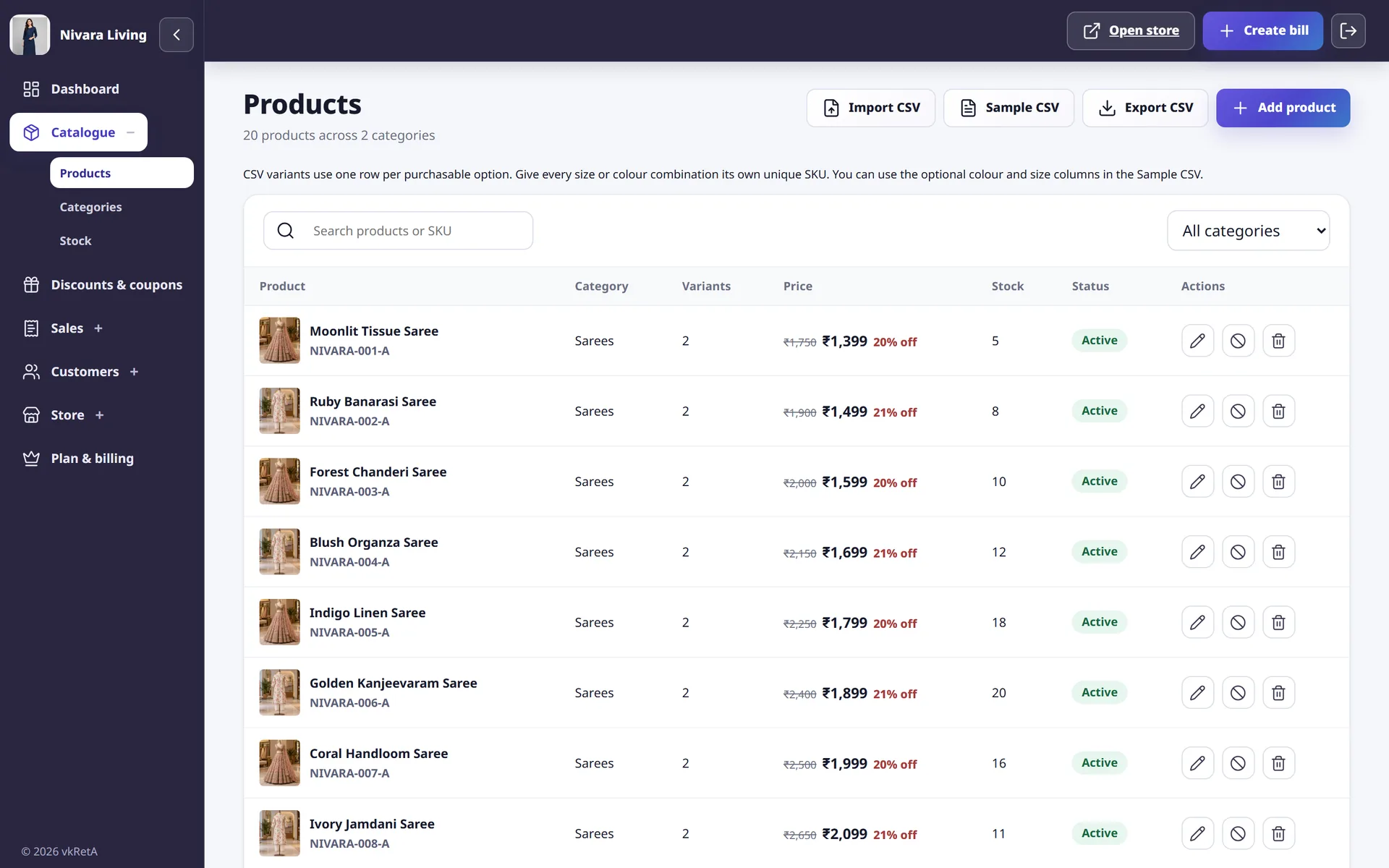
The appointment already contains the customer, the service and the price. Re-typing them into a separate billing book wastes time and creates mistakes. Look for a tool where a completed appointment becomes a bill directly, with any extra products or services added at the counter.
vkRetA, built by AiRedHQ, is designed this way for Indian service businesses. You set your working week, opening and closing time, booking interval, preparation buffer, minimum notice and advance-booking window. Disabled days stay unavailable, and existing appointments and blocked periods are removed from the times customers see, so a slot cannot be double-booked. Customers book from your store website on its vkreta.in address, and once the appointment is completed you can create the bill from it, with GST if your business charges it. Each service carries its own duration, price and GST rate.
Check it is working after a month
After four weeks, look at three numbers: how many bookings came through the link instead of the phone, how many no-shows you had, and how many clashes or overruns happened. If clashes continue, your durations or buffers are too short. If online bookings are few, the link is not visible enough. If no-shows are high, tighten reminders before anything else.
Online booking is a small change in tools and a larger change in habit. Get the durations honest, keep every appointment in one calendar, and the phone will start ringing less.