Key takeaways
- Your first website only has to answer what customers already ask you every day: what you sell, what it costs, whether it is in stock and how to buy or visit.
- Prepare the catalogue before choosing a tool. Twenty well-photographed, correctly priced items beat two hundred half-finished ones.
- A no-code store builder on a free subdomain is enough to start; a custom domain and online payments can wait until the shop proves demand.
- Keep the website and your stock record in one place, or the website will be wrong within a week.
- Share one link everywhere: WhatsApp status, Instagram bio, Google Business Profile and the printed bill.
Most small shops in India do not need an app, a developer or an expensive agency to go online. They need one reliable page that customers can open on a phone and trust. The rest of this guide is about building that page in a weekend and keeping it accurate afterwards.
Start with the questions customers already ask
Before choosing any tool, write down the questions you answer most often on calls and WhatsApp. For a typical boutique, bakery or hardware shop they look something like this:
- Do you have this in my size, flavour or model?
- What is the price, and is there any offer?
- Are you open today, and until when?
- Can you deliver, or do I have to come to the shop?
- Where exactly are you?
Your website exists to answer these without you. If a page does not help with one of them, it can wait. That rules out most of what website templates push on you at the start: blogs, testimonials sliders, "our story" pages and newsletters.
It also tells you which kind of website you need. A shop that sells products needs a catalogue with prices and an order or enquiry button. A salon, tailor or tutor needs a list of services with durations and a way to book a time. Some businesses need both.
Prepare your catalogue before you touch a tool
The catalogue is the real work. The website builder is the easy part. Set aside two or three evenings and prepare:
| What to prepare | Practical standard |
|---|---|
| Product or service names | The words customers use, not supplier codes. "Cotton kurti, A-line, knee length", not "CK-114" |
| Prices | The price a walk-in customer pays, including GST if you charge it. Mark offers separately so you can remove them later |
| Variants | Sizes, colours, weights or flavours that share one product, each with its own stock count |
| Photos | Taken in daylight against a plain wall or cloth, the same angle for similar items, one clear front photo first |
| Stock | A real count today. If you do not track stock yet, start with your 20 best sellers |
| Services | Name, duration, price and any preparation the customer needs to know |
Start small. Twenty items that are photographed, priced and in stock make a better first impression than a catalogue where half the products show "price on request". You can add the rest every week.
If you are registered under GST, decide now whether your displayed prices include tax and note the rate for each item. The GST invoice guide explains what your bills must show once orders arrive.
Choose a no-code store builder with the right basics
You do not need to compare twenty platforms. Check that the tool you pick does these things well, on a phone:
- Mobile-first storefront. Most of your customers will open the link inside WhatsApp or Instagram. Open the demo store on your own phone before signing up.
- Catalogue with variants and stock. If the website cannot show "out of stock" by itself, you will get orders you cannot fulfil.
- A clear next step for customers. An order button, a cash-on-delivery checkout, an enquiry or an appointment booking, depending on your business.
- Updates without technical help. Changing a price should take less than a minute from your phone.
- Your data stays yours. You should be able to see your customers and orders inside your own workspace.
- A free way to start. A free plan on the platform's subdomain (for example
yourshop.platform.in) is enough to test demand.
Leave custom domains, payment gateways and delivery integrations for later. They add cost, paperwork and settings to maintain, and many small shops find that cash, UPI on collection or cash on delivery covers early orders.
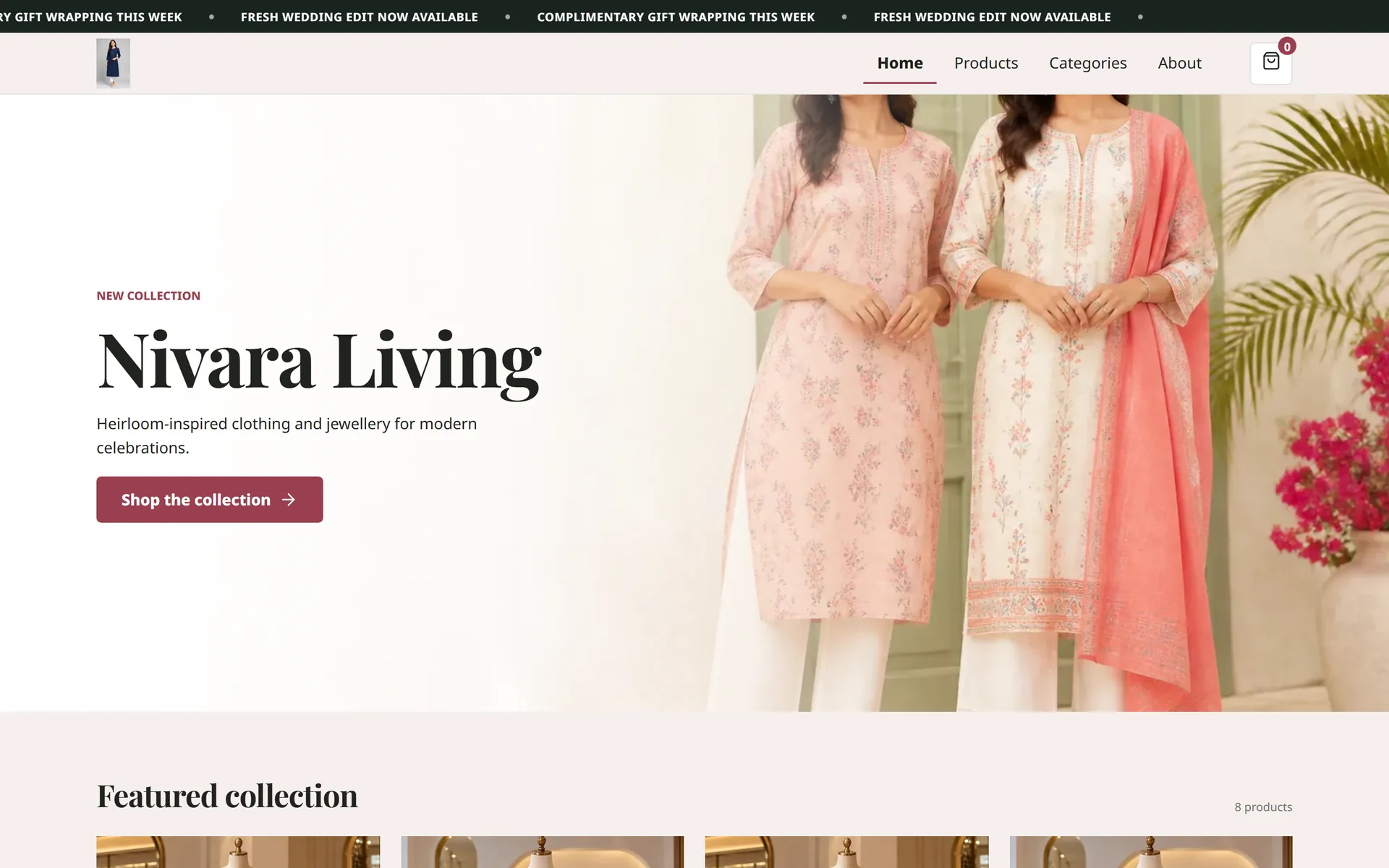
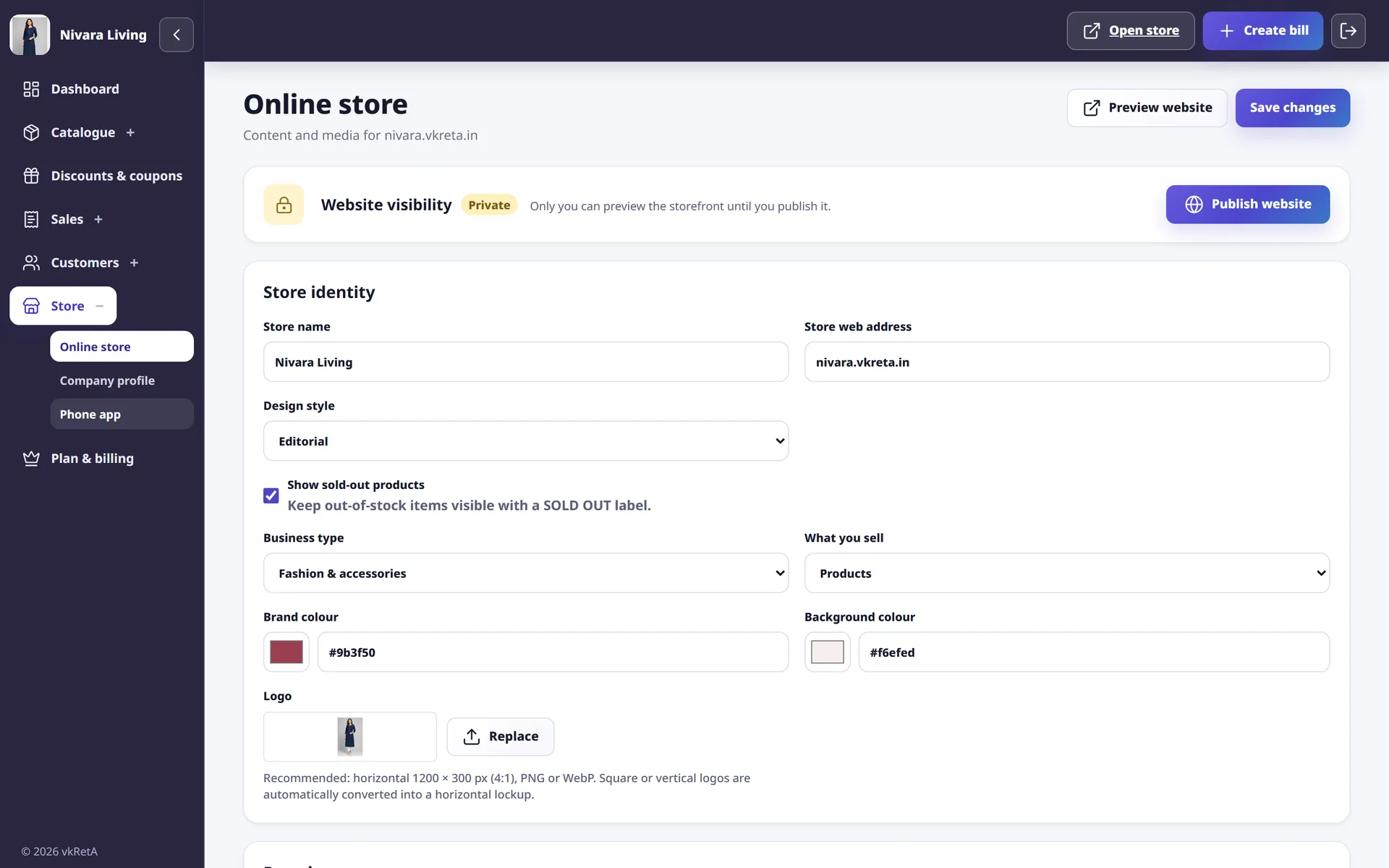
vkRetA, built by AiRedHQ, is one option designed for this stage. A shop gets a mobile-friendly store website on its own vkreta.in address, with templates for fashion, food, bakery, beauty and gift businesses. Products, services, sizes, colours and stock live in one catalogue, and orders from the store arrive in the same workspace. It is free to start without a credit card.
Publish a first version in a weekend
A realistic weekend plan for a single owner:
- Saturday morning: sign up, add the business name, address, phone number, opening hours and a logo or shopfront photo.
- Saturday afternoon: add your first 15 to 20 catalogue items with photos, prices, variants and stock.
- Sunday morning: choose a template, preview the store on two different phones, and fix anything that looks cramped or unclear.
- Sunday afternoon: place a test order or booking yourself and check that it appears where you expect, then publish.
Ask one regular customer to try it and tell you honestly what was confusing. That single conversation is worth more than any website checklist.
Share one link everywhere
A website nobody visits does nothing. Use the link you already have instead of paying for ads at the start:
- Add it to your WhatsApp Business profile and send it instead of photos when people ask for the catalogue.
- Put it in your Instagram or Facebook bio.
- Add it to your Google Business Profile so people searching on Maps can see your products.
- Print it, or a QR code for it, on bills, bags and a card at the counter.
The test of success is simple: fewer repeated questions on WhatsApp, and customers arriving at the shop already knowing what they want.
Keep it accurate, or it will cost you trust
The most common way small-shop websites fail is that they go stale. A price changes, a product sells out, the shop closes for a festival, and the website keeps saying otherwise. Customers who are misled once rarely trust the link again.
Three habits prevent this:
- Update stock where you bill. If your website and your bills use the same catalogue, a sale at the counter reduces stock online as well. If they are separate, you will forget.
- Review the website every Monday. Ten minutes: remove offers that ended, check the five best sellers, update holiday hours.
- Answer every order or enquiry the same day, even if the answer is "not available, here is an alternative".
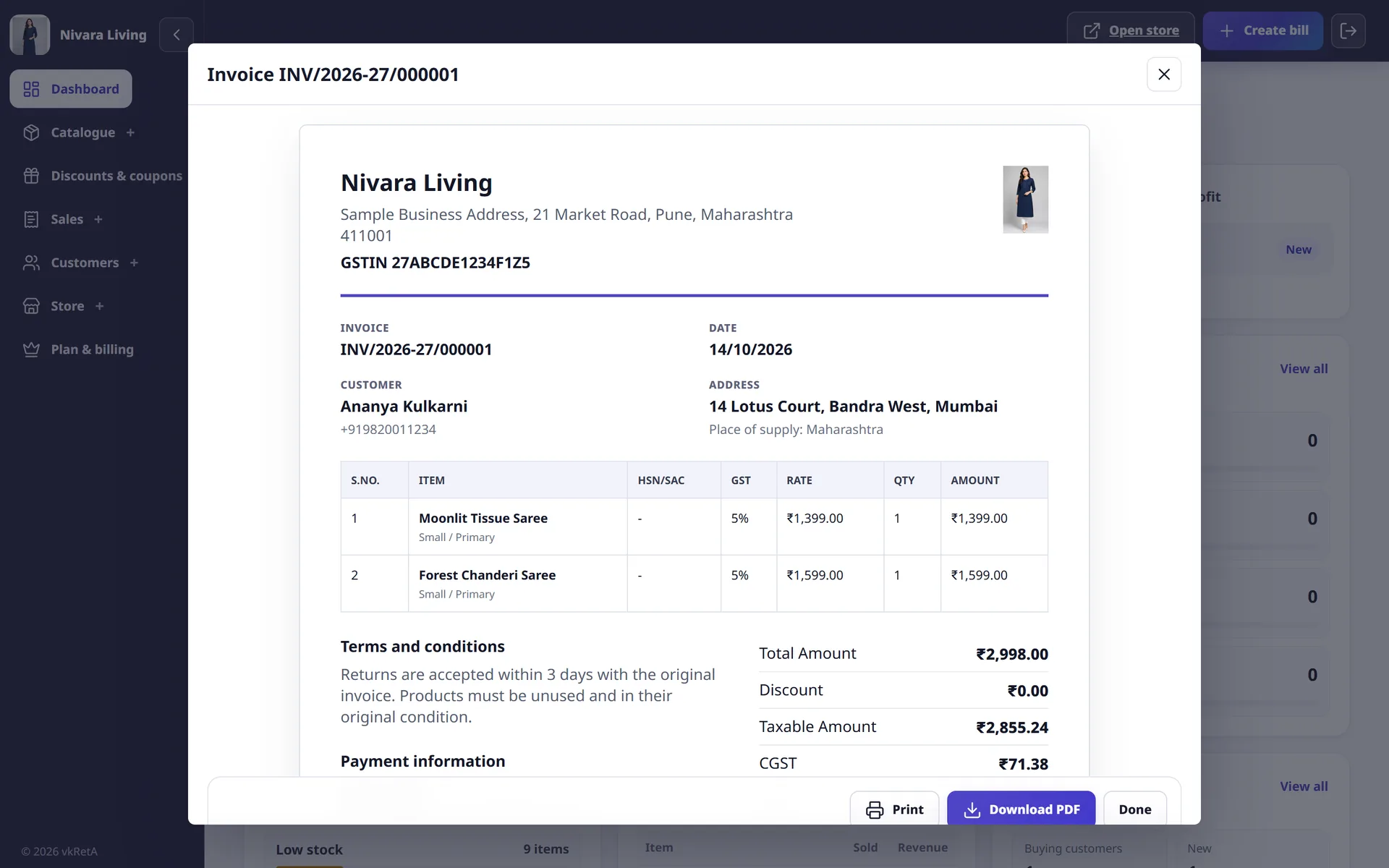
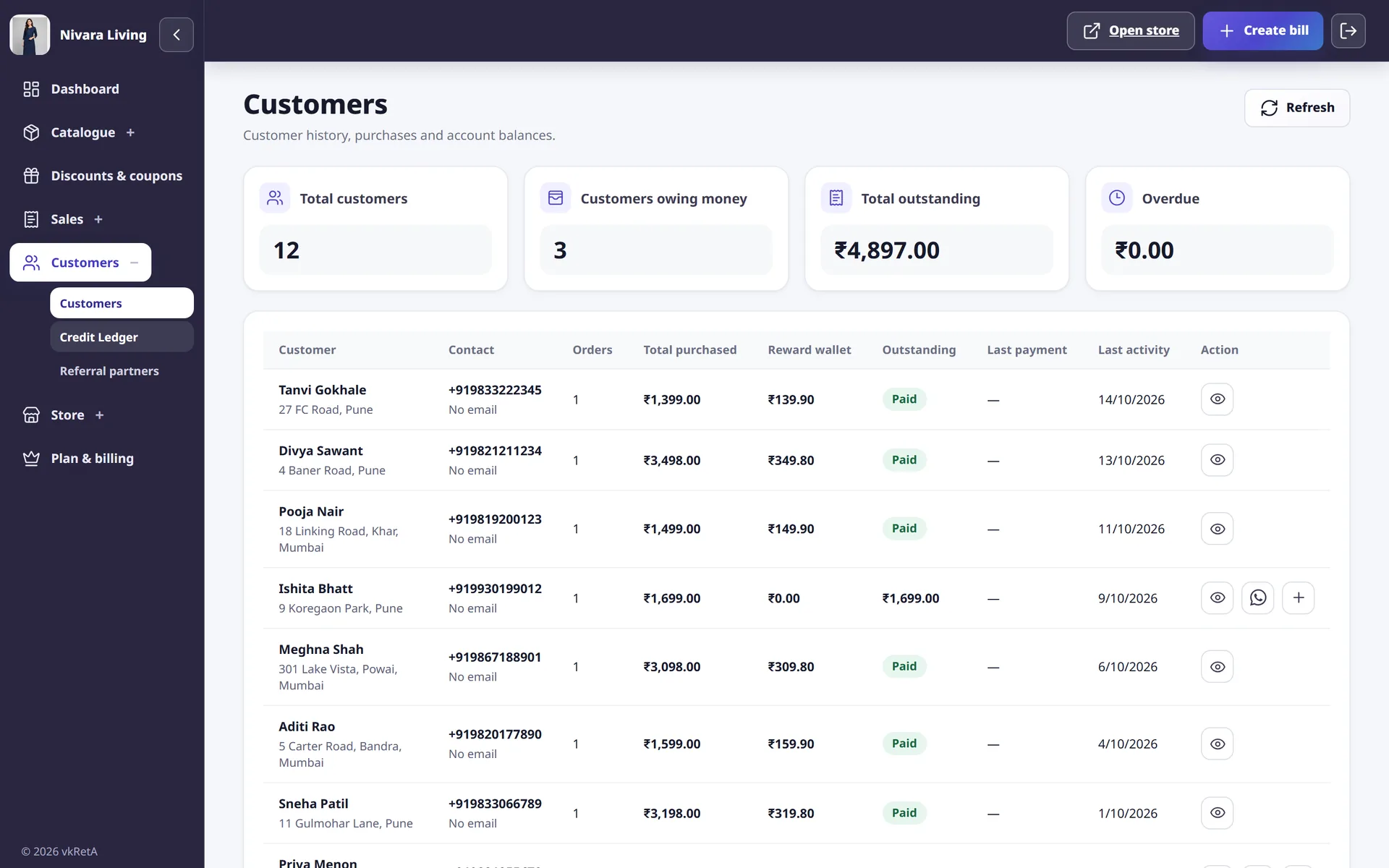
In vkRetA, the website, bills and records use the same catalogue, so changing a price or marking an item out of stock once updates everything that uses it.
When to add more
Add complexity only when the simple version is working and you can see the reason:
| Signal | Next step worth considering |
|---|---|
| Regular orders from outside your area | Delivery charges and clearer dispatch terms |
| Customers ask to pay online before delivery | A payment gateway or a UPI QR on the order confirmation |
| You print the link everywhere and want it to be memorable | A custom domain |
| Many customers buy on credit | A proper customer credit ledger; see the udhaar ledger guide |
| Your services are booked by phone all day | Online appointment slots; see the appointments guide |
Going online is a habit of keeping one link true. Start with the questions customers already ask, answer them on a single mobile page, and grow from there.