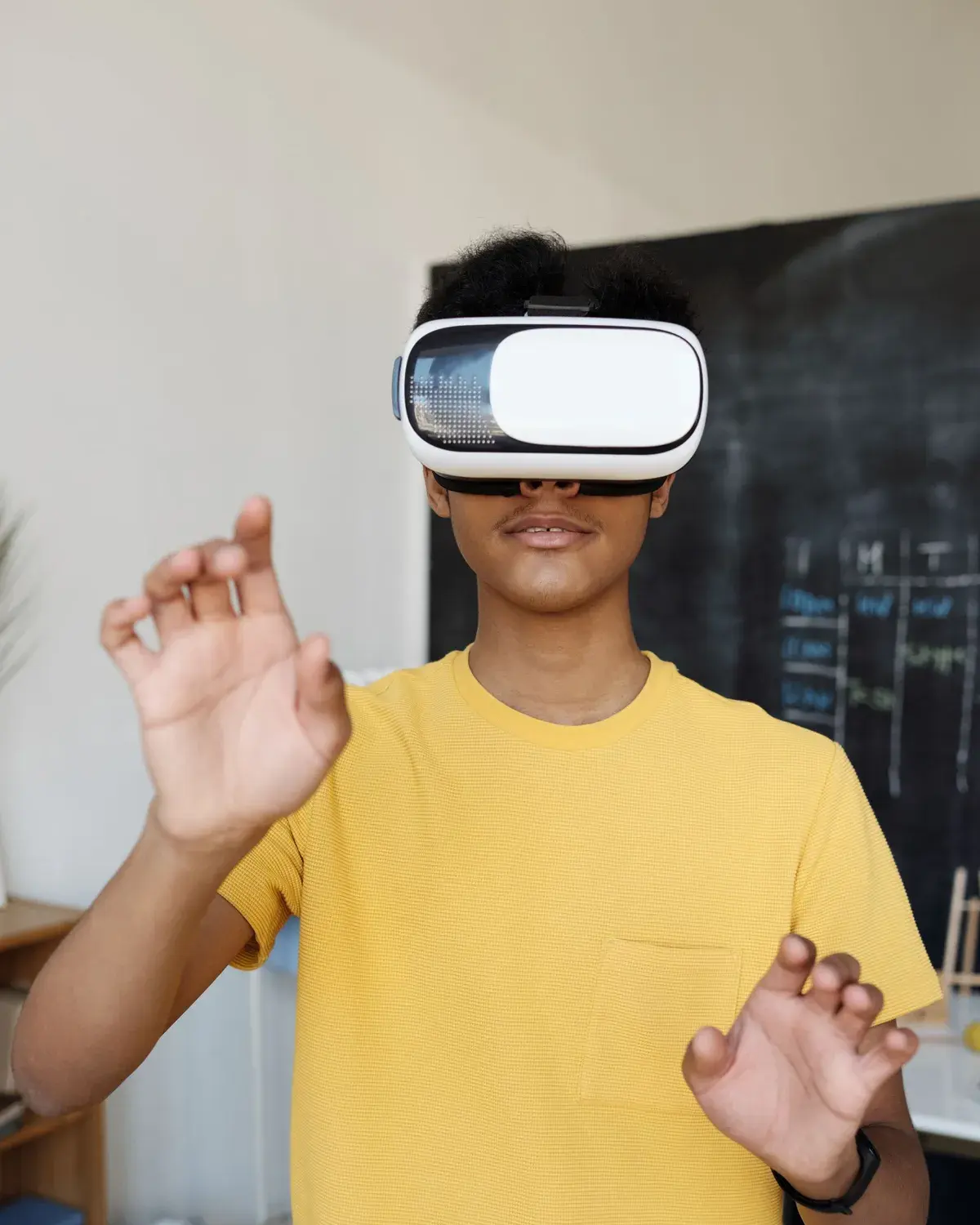
VR headsets
Standalone VR headsets with no cables or PC needed, chosen for your students, plus charging and storage for the lab.

AiRedHQ sets up complete virtual reality labs for schools (Classes 6 to 12), colleges and industry training centres: VR headsets, a library of 3D lessons, teacher training and the software to manage every headset. One partner, from installation to support.
Interactive 3D model
Try a 3D lesson in your browser. In the lab, students explore lessons like these inside a VR headset.
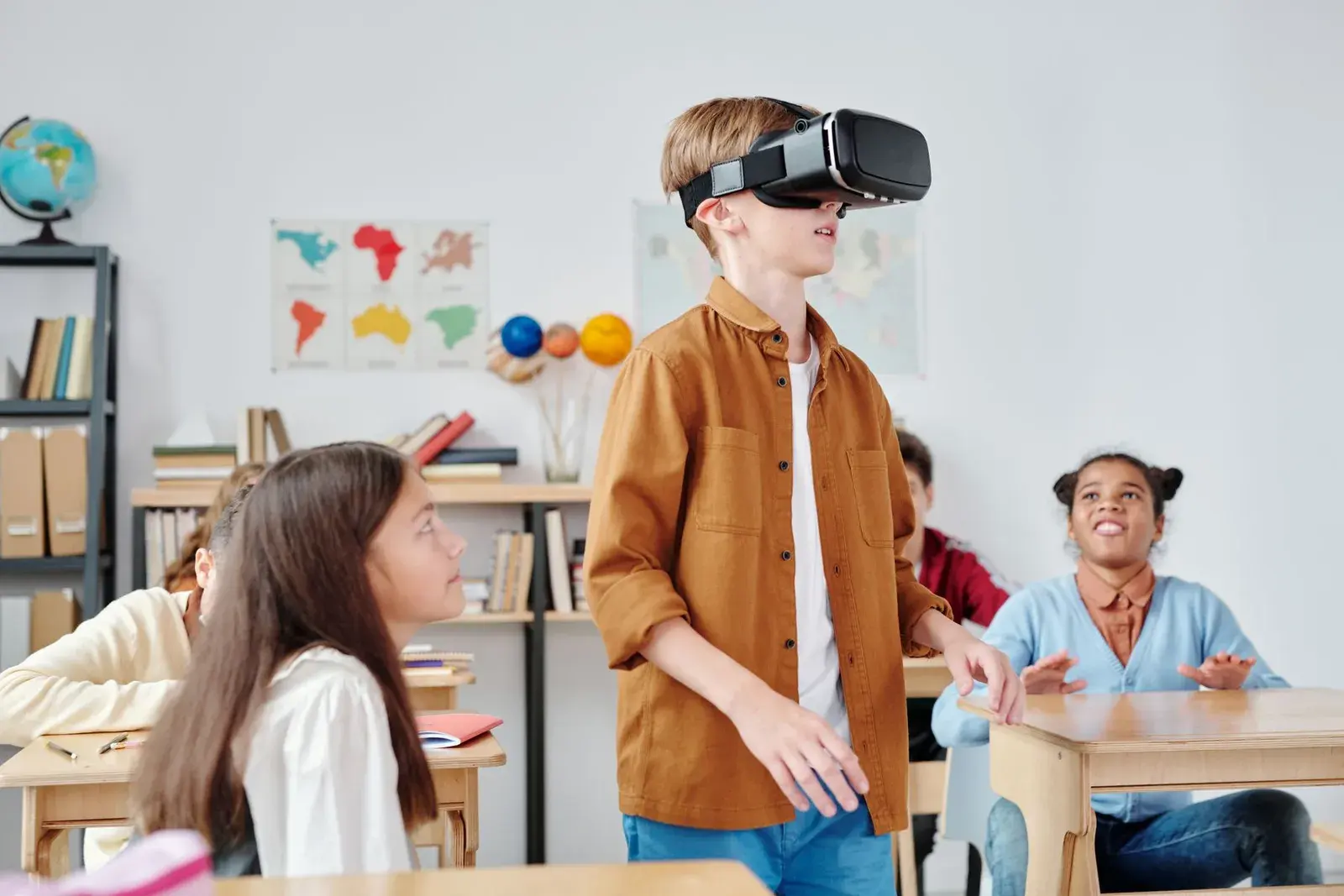
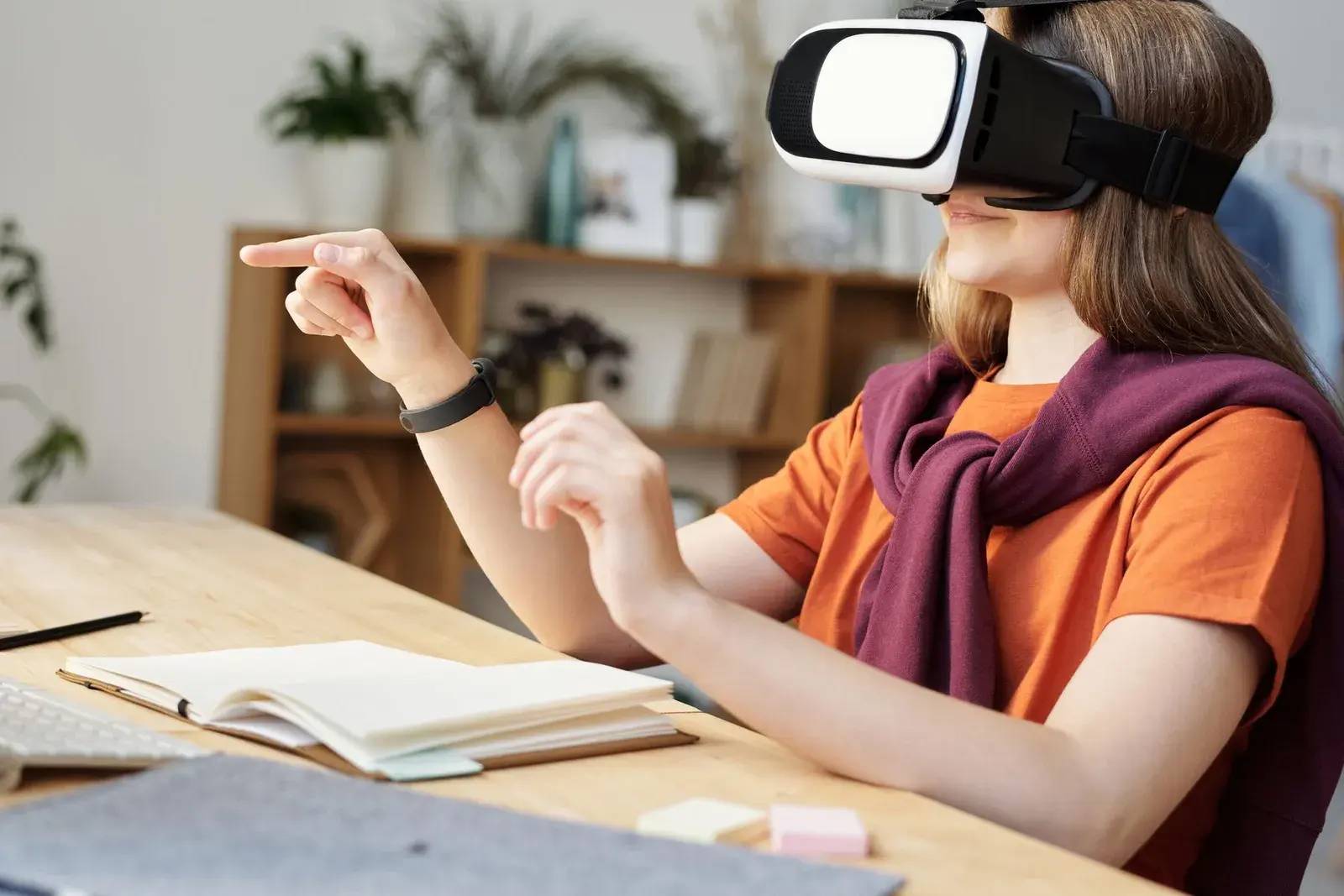
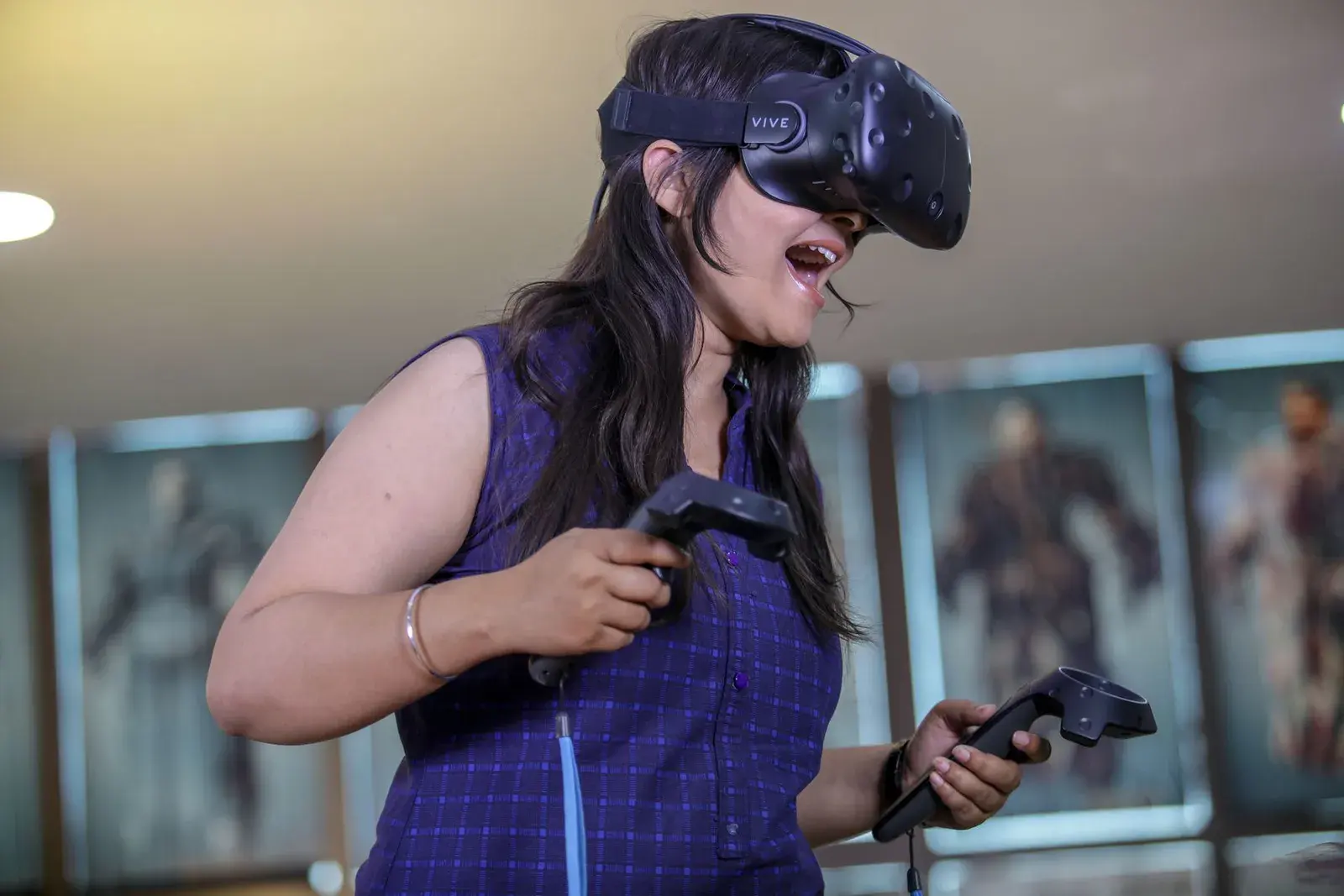
Representative photos by Max Fischer, Julia M Cameron and VARAN NM on Pexels.
One package, one partner. You get the hardware, the lessons, the software and the people to make virtual reality part of everyday teaching.
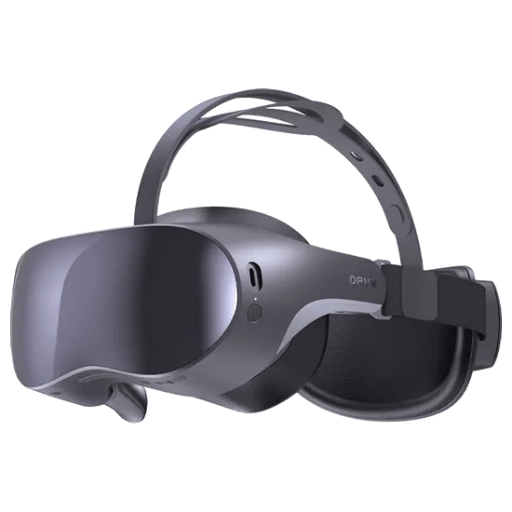
Standalone VR headsets with no cables or PC needed, chosen for your students, plus charging and storage for the lab.
3D lessons for science, maths, geography and history, mapped to CBSE, ICSE and state board chapters, plus modules for colleges and industry training.
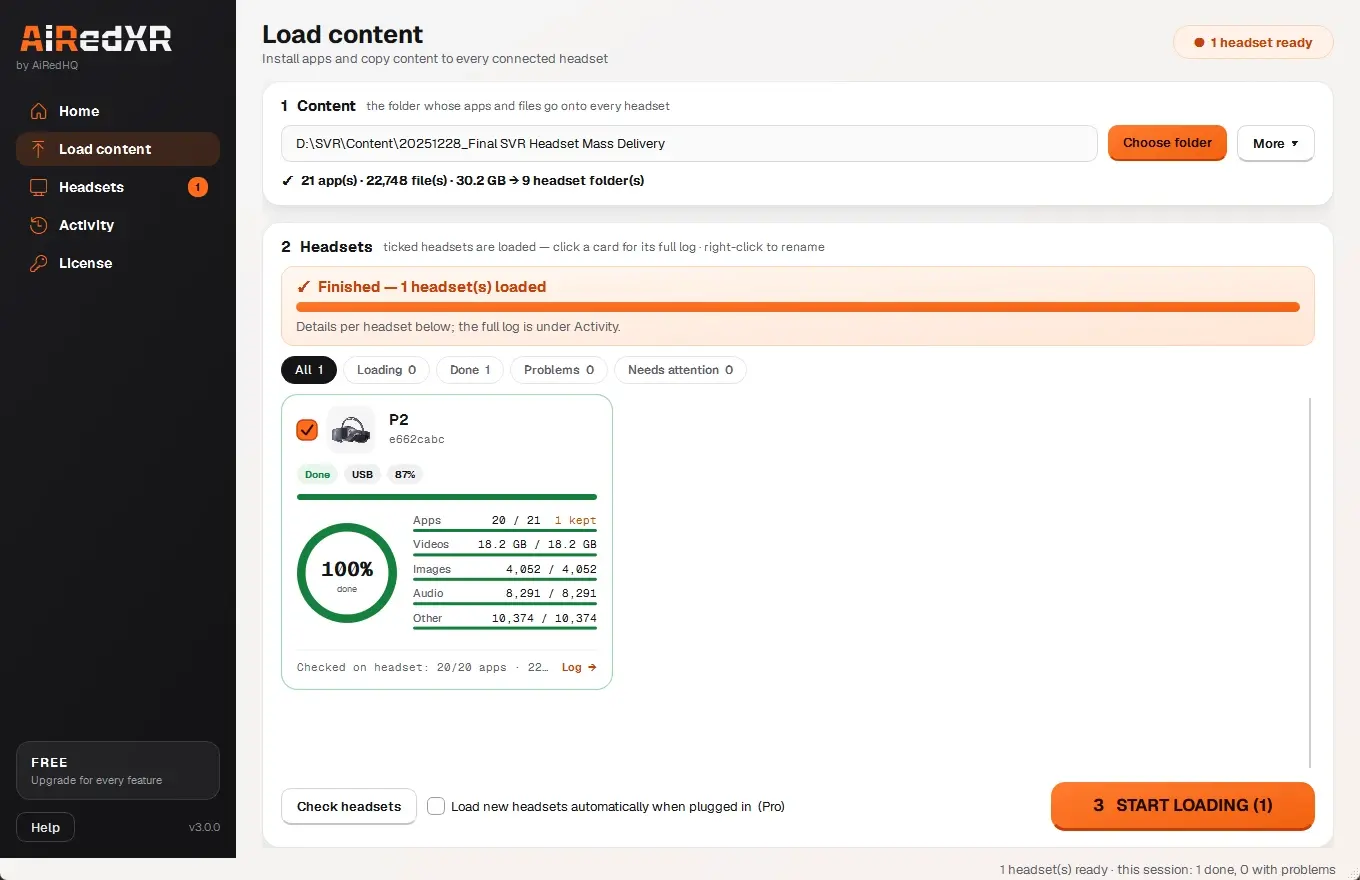
Loads lessons onto every headset at once, checks each one, and lets the teacher see any headset on the PC.
We set up the headsets, lessons and software in your lab and run the first session with your students.
Hands-on training so your staff can run VR classes and look after the headsets on their own.
Help when something goes wrong, and new lessons added to your library as your syllabus moves on.
Three sizes, each with headsets, lessons, AiRedXR, setup and training. We tailor the final list to your students and send a written quote.
10 headsets
Trying VR with one class or batch before scaling up.
30 headsets
A full class or training batch, one headset each or in pairs.
50 headsets or more
Several labs, branches or a college campus.
Every VR lesson is tied to a chapter your students study, for CBSE, ICSE or your state board. Teachers know exactly when to use it, and the lab supports the timetable instead of competing with it.
Request the syllabus map for your boardExample: Class 10 Science (NCERT)
Virtual reality in education works best when it follows what students already study. Our lessons are built around school chapters, college courses and real industrial work.
Short, supervised VR sessions that bring science and social science chapters to life.
VR lessons alongside the board syllabus, ahead of exams.
Deeper virtual labs for science streams and career choices.
Virtual labs where real equipment is scarce, costly or unsafe.
VR training for ITIs, skill centres and companies.
VR beyond the science lab.
The National Education Policy 2020 asks schools to move towards experiential, hands-on learning. A VR lab makes that part of the weekly timetable, not a once-a-year event.
In virtual reality, students stand inside a cell, walk around the heart or watch the planets orbit, so abstract ideas become something they have seen.
Virtual experiments and simulations let students and trainees repeat a procedure, make mistakes and try again, without consumables, breakage or danger.
Visit monuments, ecosystems, factories or the surface of Mars during a normal class period.
Students act, not just watch: they assemble, point, label and answer, which keeps their attention on the lesson.
Lessons record completion and quiz answers, so teachers and trainers can see who understood and who needs another go.
VR headsets give the deepest learning and are the heart of our labs. We add AR on tablets or 3D on the smartboard where they help.
VR headset makers set their own minimum ages, commonly between 10 and 13 years. We plan sessions around the headset you choose.
A VR lesson fits inside a normal 35 to 45 minute period.
The lab in-charge loads the week's lessons onto every headset with AiRedXR and checks they are charged.
The teacher sets the question for the period, the same way as any lesson.
Students spend 10 to 15 minutes in the lesson while the teacher watches any headset on the PC.
The class talks through what they saw, then answers a short quiz.
Every lab comes with AiRedXR, our own VR lab management software, on the teacher's PC. It answers the question every principal asks: how does one teacher manage 30 headsets?
About AiRedXR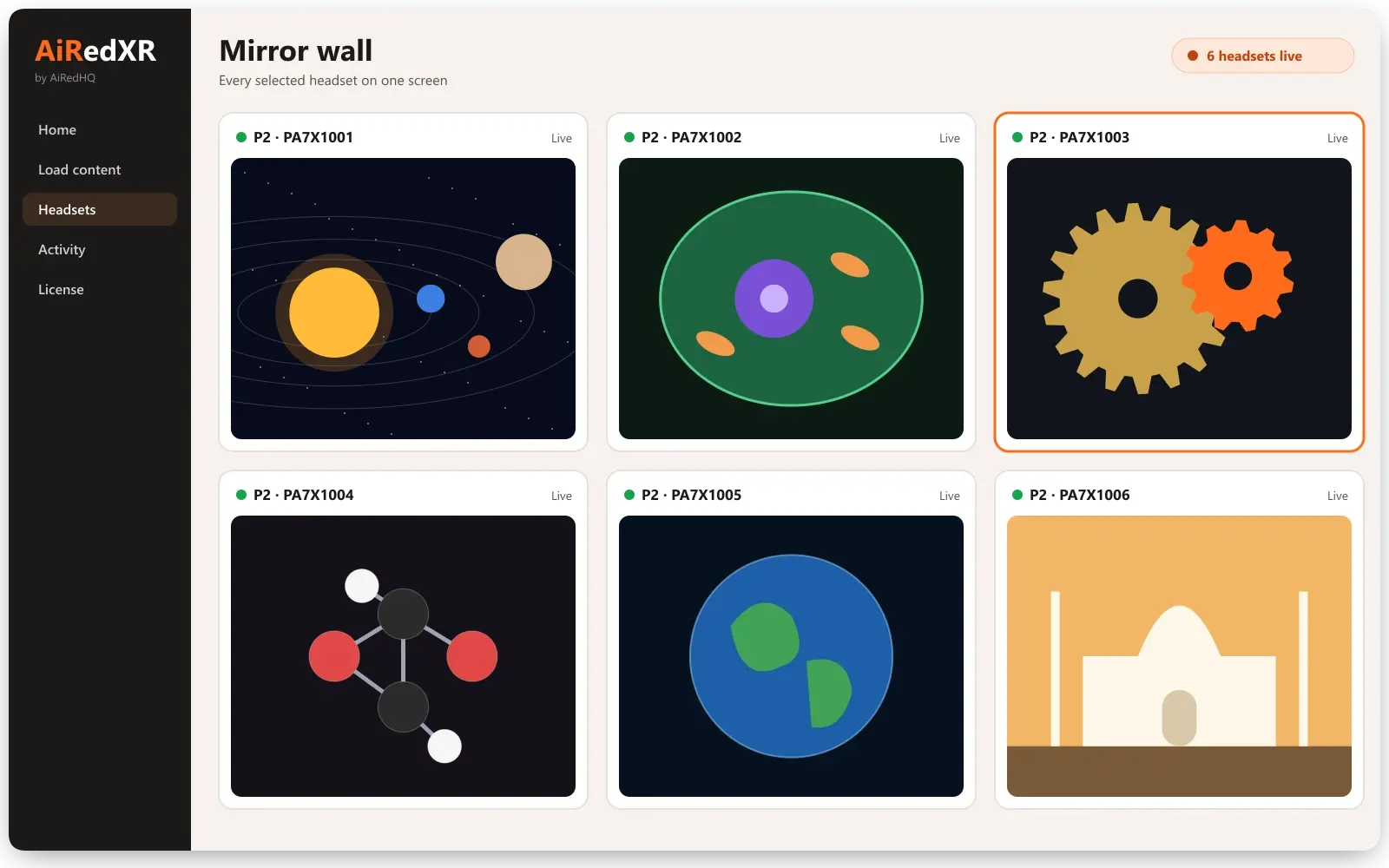
Same lesson, every headset
Open the lesson on all selected headsets at once, so the class starts together.
Every view on one screen
A mirror wall shows what each student is looking at, on the teacher's PC.
Record a session
Record a headset's screen to review a lesson or share it with parents.
Ready before the bell
Battery, storage and Wi-Fi for every headset at a glance.
New lessons in one step
Load new lessons onto every headset from one folder, checked file by file.
Updates and resets
Reboot, update or reset headsets from the PC, without touching each one.
Parents and principals ask about safety first, so we answer it up front, not in the small print.
From the first demo to your first VR class, we handle the setup.
See VR lessons for your classes or courses, and tell us how many students use the lab.
A written proposal with the headsets, lessons, software, training and support for your lab.
Headsets, lessons and AiRedXR set up in your lab, with a first session for your students.
Your teachers and trainers are trained, and VR classes start on your timetable, with our support.
Comparing VR lab companies? Ask every one of them these questions. Here are our answers.
Is every lesson mapped to our board's syllabus, chapter by chapter?
Yes. We send the chapter map for your board with the quote.
Does it cover Classes 9 to 12, not just junior classes?
Yes. Classes 6 to 12, plus college and industry modules.
How do teachers control 30 headsets?
AiRedXR: one lesson on every headset, every view on one screen.
What happens when a headset fails or a lesson won't load?
AiRedXR checks every headset, and our support team helps fix it.
Are installation and teacher training included?
Yes, in every lab we quote.
Does it need internet during class?
No. Lessons run on the headsets.
Schools fund VR labs from their own budget, from government programmes such as PM SHRI and Samagra Shiksha, or through company CSR funds for education. We provide the specifications, quote and lab plan your proposal needs.
Updated
A VR lab is a room or set of virtual reality headsets where students learn through 3D lessons they can step inside and interact with. AiRedHQ provides the whole lab: headsets, lessons, software to manage the headsets, teacher training and support.
It depends mainly on the number of headsets, the headset model, ready-made or custom lessons, and the training and support you need. Most schools and colleges start with a pilot lab of about 10 headsets. Book a demo and we will send a written quote for your lab.
Standalone VR headsets, charging and storage for them, a Windows PC or laptop to manage the headsets, and the lessons. No gaming PC, cables to each headset or internet connection are needed during class.
We recommend VR for Classes 6 to 12, colleges and training centres. VR headset makers set their own minimum ages, commonly between 10 and 13 years, so we plan sessions around the headset you choose.
With supervision and short sessions, yes. We plan 10 to 15 minute sessions, seated or standing in a clear area, with breaks, and follow the headset maker's age and health guidance.
Yes. We map lessons to your board's syllabus, chapter by chapter, and build custom lessons where a topic is missing.
The teacher introduces the topic, students explore the VR lesson for 10 to 15 minutes in pairs or groups, and the class then discusses what they saw and takes a short quiz. A VR lesson fits inside a normal period.
A normal classroom works. Students use VR seated or standing in a clear space, so you need room for the class, power sockets for charging, and secure storage for the headsets.
Short, supervised sessions with breaks are the standard approach. We keep VR to 10 to 15 minutes per period and follow the headset maker's health guidance, and students who feel uncomfortable can stop at any time.
Standalone VR headsets that need no cables or PC, chosen for your students and budget. Every headset we supply is set up and managed with AiRedXR.
Your written quote lists the headsets, lessons, software, installation, training and support, so you can see the full cost before you decide.
No. Lessons run on the headsets, and AiRedXR loads and manages them from a Windows PC over USB or your own Wi-Fi.
Yes. We set up VR labs for engineering, medical, nursing and pharmacy colleges, ITIs, skill centres and companies, with modules for their courses and equipment.
Yes. Every lab includes hands-on training for teachers or trainers, and support afterwards, including new lessons as your syllabus moves on.
Tell us about your school, college or training centre, and we will send a written proposal.
Start a project