
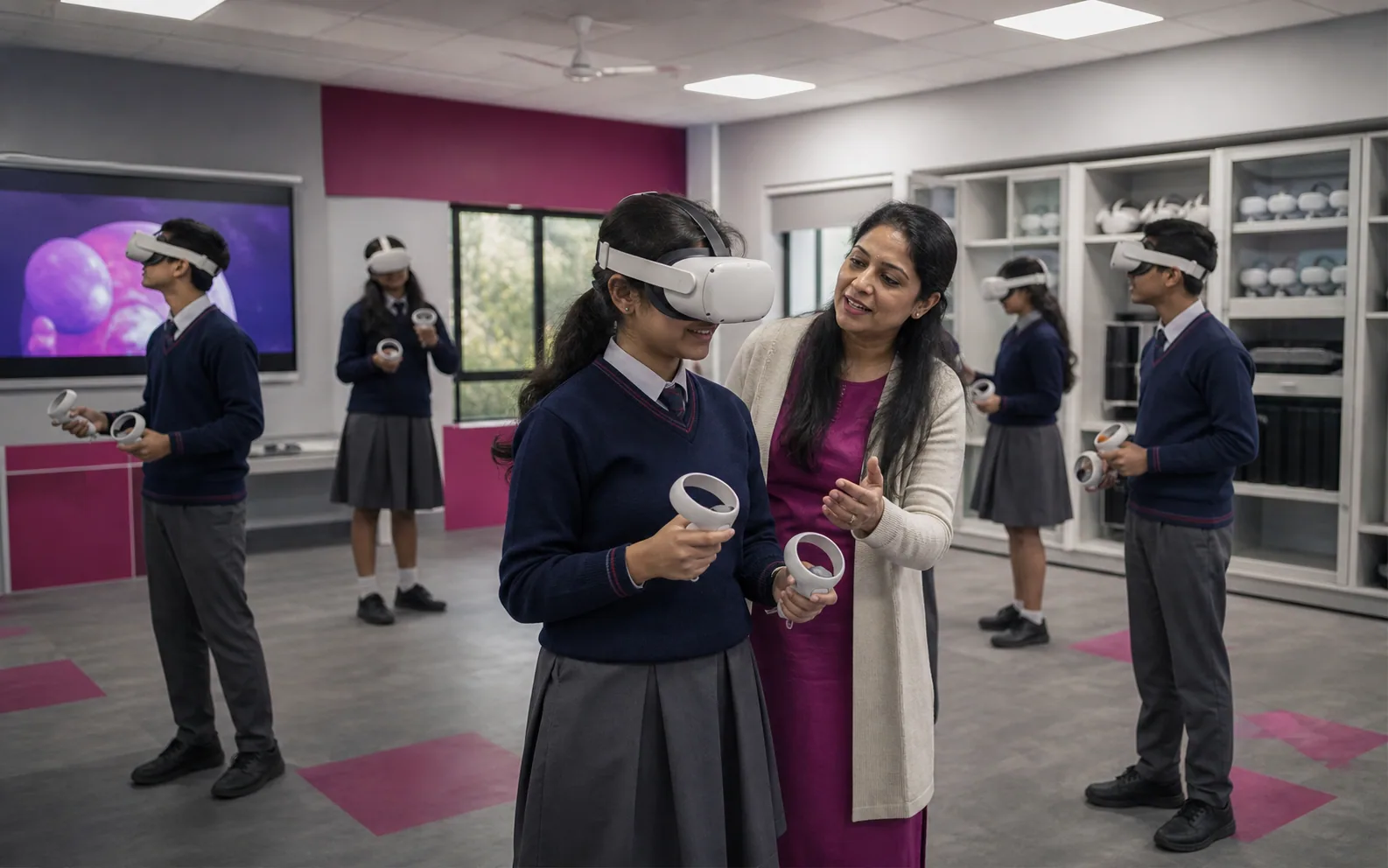
Do not begin an AR/VR lab project by deciding how many headsets to buy. Begin with a learning problem, test whether immersion is the most useful way to address it, and run a small supported pilot. Expand only when the lesson works, teachers can repeat it without unreasonable effort, and every learner has a safe and meaningful way to participate.
A school can own excellent equipment and still have a poor programme. The real problem is often everything around the headset: weak curriculum fit, too little teacher preparation, unreliable logins, no suitable alternative for some learners and no shared definition of success. A modest set of devices can work well when the purpose is narrow and the whole lesson—not just the headset time—is designed properly.
This guide is for leaders, teachers and IT teams deciding whether to establish a lab or pilot. It is an editorial planning framework based on current research and public guidance; it does not report an AiRedHQ school deployment or claim measured classroom results.
Start a school AR/VR lab with a supported pilot
A lab should be treated as a teaching service, not a room installation. It needs a curriculum owner, prepared teachers, technical support, approved content, a workable timetable, safe operating rules and a way to judge whether it deserves to continue.
The World Bank's guide to virtual and XR laboratories follows the same broad order: identify the skills, check suitable software, select a model, map it to the curriculum, train teachers, pilot and evaluate before scaling. It also accepts that XR may offer poor value for some fields—a useful warning for schools starting with a product demonstration (World Bank XR laboratory guide).
A pilot should be small enough to find problems but repeated enough to show whether the school can run it. Define:
| Pilot decision | What the school should define before launch |
|---|---|
| Learning purpose | Two or three specific curriculum problems—not a general aim to “increase engagement” |
| Participants | A limited number of classes and teachers who have time to prepare and report honestly |
| Operating owner | One person accountable for scheduling, devices, content approval and issue escalation |
| Support | Who handles setup, updates, failed logins, repairs and lesson-time problems |
| Comparison | The current lesson or another suitable non-immersive approach |
| Evidence | Learning task, workload, reliability, comfort, access and cost measures |
| Decision point | A date and agreed criteria for scaling, redesigning or stopping |
The pilot is not a formality before an agreed purchase. “Do not buy” must remain a valid result.
Decide whether the lesson needs VR, AR—or neither
VR replaces most of the learner's view and can convey scale, place or embodied action. AR places digital objects or information in the physical view, often through a tablet. Desktop 3D, video, physical models and practical work may teach the same content with less setup.
Use the least complex medium that enables the learning action.
| Medium | Consider it when learners need to… | Prefer another option when… | Main operating trade-off |
|---|---|---|---|
| Headset VR | Inspect scale or spatial relationships from within an environment; rehearse a safe procedure; visit an inaccessible setting | The task is mainly reading, watching or recalling facts | Strong isolation and spatial presence, but higher supervision, fit, comfort and device-management demands |
| Tablet AR | Place, rotate or compare a digital model in the real classroom; work in pairs around a shared view | The overlay adds little beyond a labelled image or physical model | Easier group use and teacher visibility, but screen size, camera use and tracking quality can limit the activity |
| Desktop or web 3D | Manipulate a model, repeat a simulation or make precise observations without wearing a device | Physical scale or embodied movement is essential | Broad access and familiar controls, with less sense of presence |
| Video or 360° media | Observe a place, process or demonstration without interacting with it | The learning outcome requires choices, manipulation or procedural feedback | Simple to deliver, but mostly observational |
| Physical model, practical or fieldwork | Handle real materials, practise authentic equipment or observe real-world variation | The real activity is unsafe, unavailable or impossible to repeat | Highest authenticity for many tasks, but may involve cost, risk, travel or scarce equipment |
| Conventional instruction | Explain, discuss, read, calculate or practise when immersion adds no necessary action | A spatial misconception cannot be resolved clearly in two dimensions | Lowest operational burden and often the correct choice |
Before approving an immersive experience, ask:
- What exact learning outcome does it support?
- What can learners do here that they cannot do as effectively with a simpler medium?
- What misconception, access barrier or safety constraint does it address?
- What evidence would show learning rather than novelty or enjoyment?
- Who may be excluded or uncomfortable, and what equivalent route will they use?
- Is the expected benefit worth the preparation time, support load and recurring cost?
Reject or redesign the experience when the answers are weak. A passive virtual tour is not automatically better than a well-framed video. A virtual chemistry practical should not replace safe hands-on work when learners need to handle apparatus, notice material variation or develop physical technique.
Choose two or three genuine curriculum use cases
The first use cases should need space, scale, perspective, interaction or safe repetition. The school must be able to inspect the content before purchase.
Strong pilot candidates often fall into three groups:
- Spatial understanding: tracing blood flow through a three-dimensional heart, inspecting molecular geometry or relating a landform to a contour map.
- Inaccessible observation: examining a historical site, ecosystem, industrial environment or astronomical scale that the class cannot readily visit.
- Safe procedural rehearsal: practising the order of a laboratory, workshop or emergency procedure before using real equipment. Simulation can prepare learners; it does not automatically certify real-world competence.
Choose a use case because of the learning obstacle, not the drama of the demonstration. An interactive 3D heart may help learners connect chambers, valves and vessels. Headset VR is justified only if being inside or around the model adds something a tablet or desktop model cannot; the pilot must test that assumption.
Avoid beginning with:
- a broad content catalogue with no timetable owner;
- experiences used once for an open day;
- passive “virtual field trips” with no observation task or debrief;
- assessed activities that have no equivalent non-headset pathway;
- a subject list assembled to justify a fleet rather than solve known teaching problems.
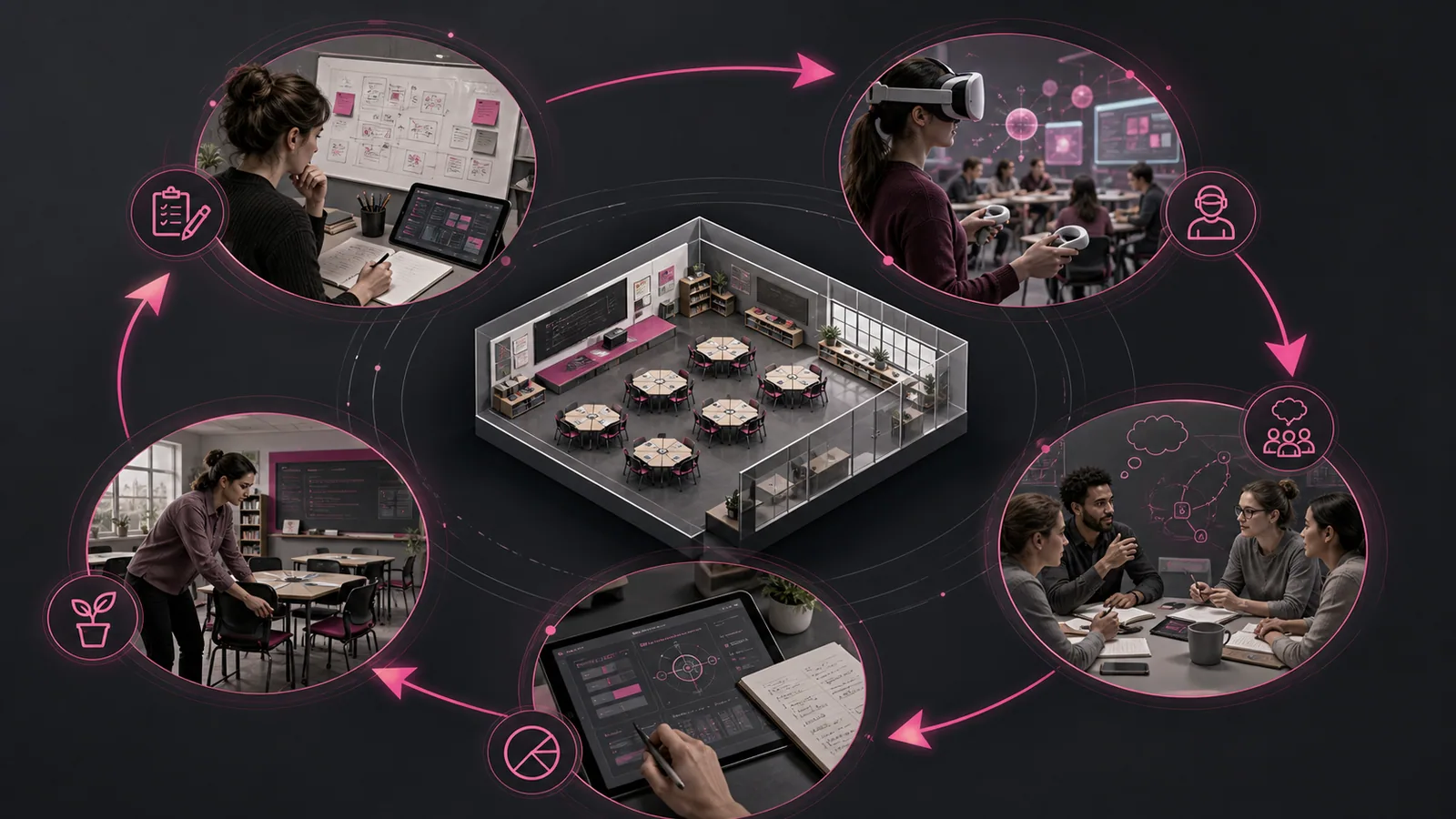
Choose the operating model before the hardware
The operating model determines participation, transition time and who carries the equipment burden.
| Model | Works best when | Advantages | Constraints to test |
|---|---|---|---|
| Dedicated lab | Several subjects can sustain a regular timetable and a trained coordinator is available | Predictable room, storage, charging, casting and network | Timetable bottleneck; travel between rooms; risk of an expensive space sitting idle |
| Mobile set | A small device fleet must serve several rooms or departments | Uses existing classrooms and spreads access | Transport, charging, variable Wi-Fi, changing sightlines and repeated room-safety checks |
| Classroom stations | Immersion is one part of a lesson and learners can rotate through complementary activities | Fewer devices; easier comparison with physical or desktop tasks; supports observation roles | Requires careful timing and equally meaningful non-headset stations |
| Tablet/desktop-first | The learning action does not require full immersion or a headset is unsuitable for some learners | Lower setup burden, easier collaboration and wider access | May not provide the scale, isolation or embodied interaction required by a narrow use case |
Do not equate a class of 30 with a need for 30 headsets. If six learners can use them while everyone else completes related work, six devices may be enough. If each learner needs a continuous 25-minute simulation, rotations will not fit one period; change the timetable, the activity or the medium.
Only then should the team compare device management, content, fit, casting, offline use, storage, warranty and support. The guide to AR/VR lab cost in India covers budgets and quote comparison.
Design a pilot that resembles a real school week
A demonstration shows that an experience can run once. A pilot shows whether school staff can prepare, teach and repeat it within the timetable—even when something goes wrong.
An illustrative pilot might involve one or two teachers, two curriculum use cases and a small shared set used several times over six to twelve weeks. This is not a standard; the important point is repeated use by the people who would run it after launch.
For each pilot lesson, document:
- the learning outcome and current teaching approach;
- why the proposed medium may add value;
- the approved application, account mode and data flow;
- the class size, simultaneous users and rotation plan;
- the teacher, technical support contact and fallback activity;
- the learner briefing, stop process and equivalent alternative;
- the assessment, workload log and post-lesson reset process.
An illustrative 60-minute lesson sequence
The following example is a planning tool, not measured AiRedHQ classroom data. It assumes 30 learners, six devices and a short interactive model of the human heart.
| Time | Whole-class or station activity | Operational purpose |
|---|---|---|
| 0–10 minutes | Label a simple diagram and predict the path of blood through the heart | Establish prior understanding and give the immersive task a question |
| 10–45 minutes | Five seven-minute rotations: up to six learners use the immersive model while other groups use a desktop model, physical model, sequencing task and teacher-led misconception check | Give every group purposeful work; include transition, fitting and reset time rather than treating it as free |
| 45–55 minutes | Reconstruct the route together and compare the virtual representation with real anatomical limitations | Turn the experience into explanation and correct misconceptions |
| 55–60 minutes | Complete an exit task that applies the route to a blocked-valve scenario | Test transfer, not merely recall of labels |
The non-headset stations are not waiting rooms. They should contribute evidence or preparation the whole class needs. If the headset activity fails, the desktop or physical route should still allow the lesson to reach its core outcome.
Before class, the teacher should complete the experience in the intended account mode, check the devices and casting, and rehearse the fallback. Training should include a complete practice lesson, not just a product tour.
Count teacher and IT workload
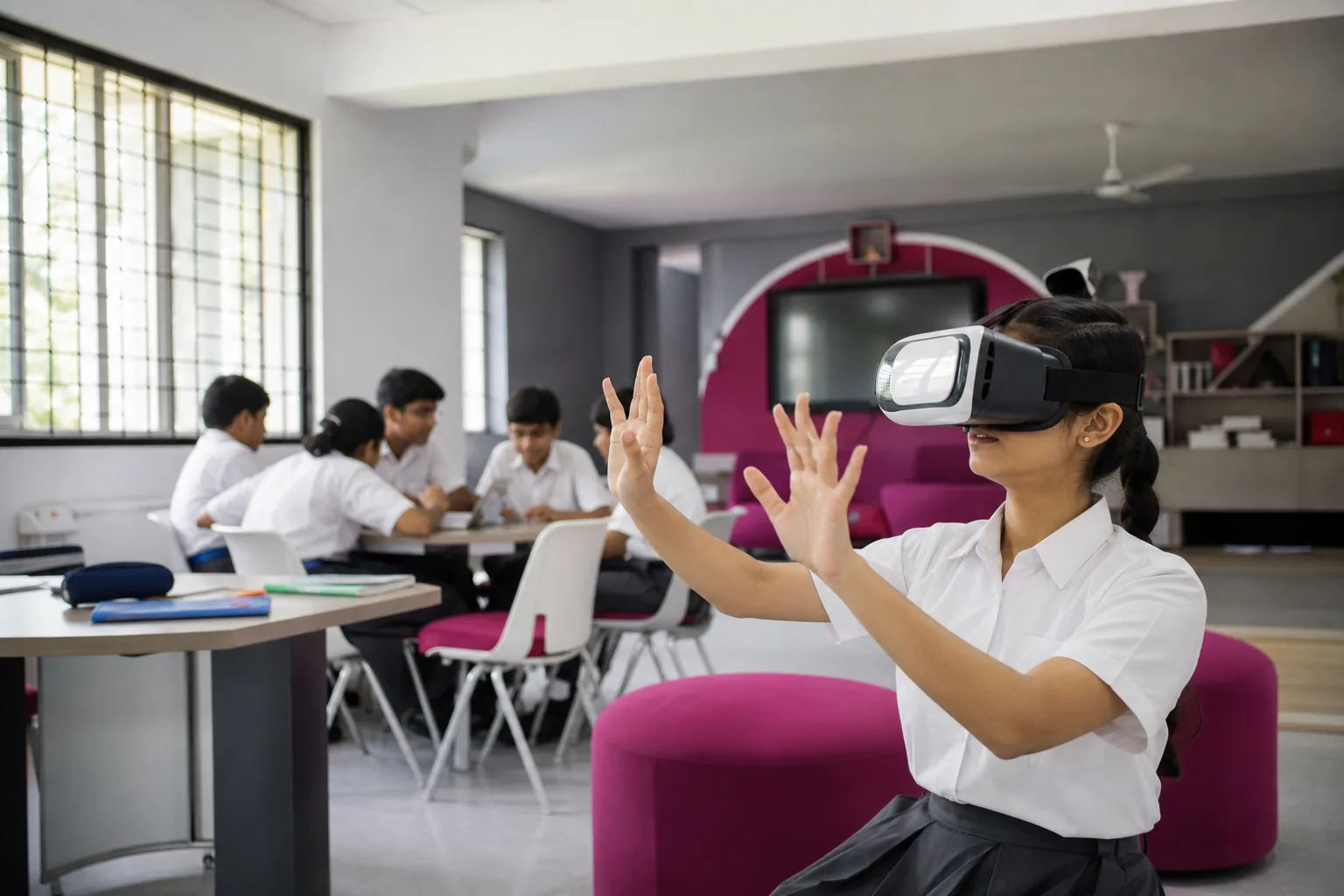
Workload is part of the decision. Research on K–12 VR/AR reports classroom-management problems, unfamiliar technology and time-consuming lesson integration; a primary-school stakeholder study also found concerns about cost, teaching value, technical difficulty, time and workload (K–12 STEM review; stakeholder study). These findings will not predict every school, but they identify work a pilot should count.
Record the work instead of assuming it will disappear after training:
| When | Work to count | Possible owner |
|---|---|---|
| Before the lesson | Content review, lesson adaptation, charging, updates, downloads, account/device assignment, room check and equipment transport | Teacher, lab coordinator and IT |
| During the lesson | Briefing, fitting, supervision, casting, transitions, symptom response, troubleshooting and running alternatives | Teacher and trained support |
| After the lesson | Cleaning, logout/data clearance, reset, charging, storage, incident recording and assessment review | Teacher or lab coordinator |
| Across the term | Licences, app approvals, patches, inventory, repairs, replacement parts, staff induction and timetable coordination | IT, procurement and programme owner |
Log the planned and actual start, teacher and support minutes, lost teaching time, failed devices and whether the lesson finished. Track both the early learning curve and later routine.
A pilot is not sustainable merely because staff managed to rescue it. If one enthusiastic teacher performs unpaid preparation, the vendor attends every session, or IT repeatedly abandons other work, the school has not demonstrated an operating model it can scale.
Set safety, accessibility and privacy minimums
Rules must match the device, account mode, application, activity and learners. There is no universal safe age or session length. For example, Apple sets Vision Pro at 13+, while Meta supports parent-managed accounts for some 10–12-year-olds but limits features (Apple safety information; Meta child-account guidance). These are not product recommendations: check the current rules for the exact system being considered.
At minimum, approve the following before student use:
- a written eligibility check covering current manufacturer age, fit, health and supervision instructions;
- a clear, level and hazard-free operating area with adult sightlines, unobstructed exits and a seated or stationary mode where suitable;
- short introductory use, regular check-ins and immediate stopping for nausea, dizziness, headache, eye strain, blurred vision, poor balance, anxiety or other discomfort;
- a rule that a disoriented learner does not walk unassisted;
- manufacturer-compatible cleaning for shared interfaces and controllers;
- no pressure when a learner stops or uses the approved alternative;
- a clear route into the school's health and safeguarding procedures when an incident occurs.
Accessibility is part of the lesson, not an equipment add-on. W3C's XR guidance covers needs such as motion alternatives, customisation, orientation, captions and sickness triggers (W3C XAUR). Test seated use, readable labels, reduced motion, alternative controls and a non-headset route that assesses the same outcome.
Privacy review must cover cameras, microphones, room maps, movement, usage logs and account identifiers—not just names. UNICEF recommends addressing risks introduced or amplified by digital learning tools (UNICEF child protection in digital education). Collect only necessary data, use suitable managed or shared-device modes, disable unneeded social features and document deletion.
Measure whether the pilot is sustainable
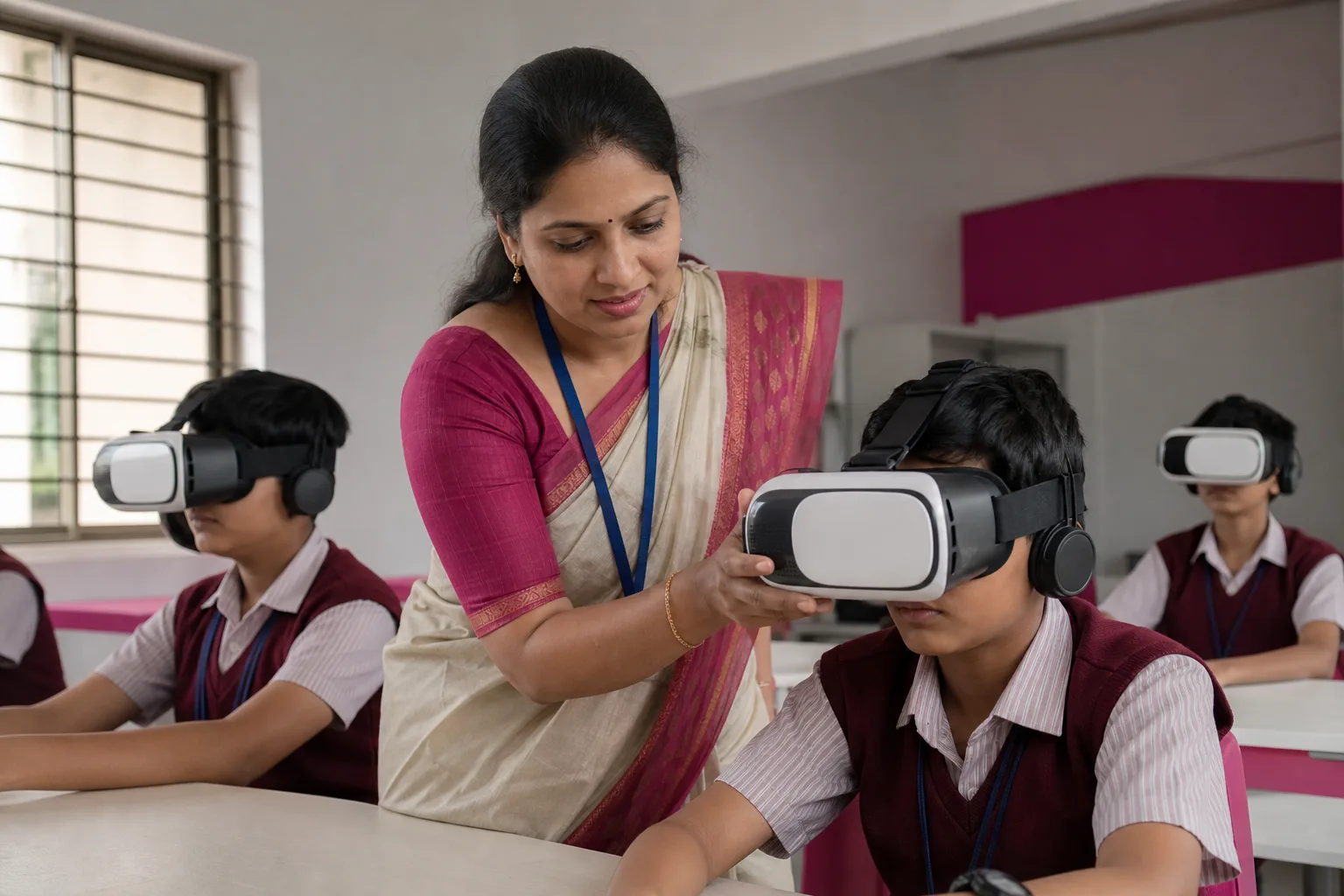
Enthusiasm is useful feedback, not proof of learning. A meta-analysis found a small average positive effect across mixed K–12 and higher-education VR research, while a later review found that many comparisons changed the teaching method or content as well as the medium (meta-analysis; controlled-comparison review). In practice, compare lessons fairly: VR should not receive credit for extra time, better content or more teacher attention.
Define the dashboard before the first session:
| Dimension | Record | Decision question |
|---|---|---|
| Learning | Baseline task, immediate assessment and a suitable transfer or delayed task | Did the intended understanding or performance improve, and is the comparison fair? |
| Delivery | Sessions scheduled/completed, start delay, failed devices, login/update interruption and fallback use | Can ordinary staff run the lesson reliably within the timetable? |
| Workload | Teacher preparation, lab-support and IT minutes before/during/after | Does effort fall to an agreed sustainable level after familiarisation? |
| Safety and comfort | Stops, symptoms, incidents and whether learners felt able to report discomfort | Can the activity continue without unresolved harm or pressure? |
| Inclusion | Participation, opt-outs, accommodations and completion through equivalent alternatives | Did every learner have a meaningful route to the same outcome? |
| Value | Full pilot cost and number of successfully completed curriculum lessons | Is the added value worth the total resource burden? |
The companion article on evaluating AR/VR learning outcomes explains how to choose a fair comparison and avoid treating engagement as achievement.
Set thresholds before the pilot. An illustrative rule might require eight of ten lessons to finish as planned, no unresolved safety or privacy issue, a fair learning result, a working alternative and preparation time the school can fund. These are examples, not universal standards or measured results.
Scale, redesign or stop
The review meeting should produce one of three decisions:
| Decision | Evidence that supports it | Appropriate next action |
|---|---|---|
| Scale | Learning value is credible; delivery is reliable; workload is fundable; alternatives work; no unresolved safety, privacy or access issue | Repeat with another trained teacher or class before a large fleet purchase, then expand in stages |
| Redesign | The use case still appears valuable, but lesson flow, medium, content, support or measurement failed | Change one major variable—perhaps headset VR to tablet AR, full-class use to stations, or vendor-led operation to a documented school workflow—and pilot again |
| Stop | Immersion adds no clear learning action; failures consume the period; workload remains excessive; learners are excluded; or a material safety/privacy concern cannot be resolved | Use the stronger physical, desktop, video or conventional lesson and record why the project ended |
Stopping is not a failed innovation programme. Continuing with unused equipment, hidden teacher labour or a weak learning case is the failure the pilot was designed to prevent.
A sustainable school AR/VR lab is therefore not defined by room size or headset count. It is defined by a small set of lessons that genuinely benefit from the medium, staff who can deliver them under normal conditions, safeguards that work for real learners, and evidence strong enough to justify the next rupee and the next hour of teacher time.
Built from product experience