If you want a Splitwise alternative in India, choose the workflow before the app. Use a multi-user service when every member must add and see expenses on their own device; use a spreadsheet when visible formulas and flexible columns matter most; use a single-device tool when one person is comfortable maintaining the record.
- Decide who records expenses, who must see them and whether several devices need the same live ledger.
- A spreadsheet is inspectable, but someone must maintain formulas and access.
- YojIQ is a single-device Offline Budget Planner, not a live multi-user sync service.
- Check export, backup and deletion before entering months of shared expenses.
Verified statements about Splitwise
Every Splitwise-specific statement used in this article appears below. The sources are Splitwise's own pages; they describe the product but are not independent testing.
| Claim | Official source URL | Date checked |
|---|---|---|
| Splitwise says it keeps track of shared expenses and balances with housemates, trips, groups, friends and family. | Splitwise product page | 14 November 2026 |
| Splitwise says users can track shared expenses, balances and who owes whom. | Splitwise product page | 14 November 2026 |
| Splitwise lists equal and unequal splits, percentage splits and share-based splits. | Splitwise product page | 14 November 2026 |
| Splitwise lists offline mode and cloud sync among its features. | Splitwise product page | 14 November 2026 |
| Splitwise's terms describe the service as a shared ledger for informal expenses, bills, debts and payments. | Splitwise Terms of Service | 14 November 2026 |
This article makes no claim about current India-specific pricing, usage limits, user numbers or policies.
Compare the main workflows
| Approach | Where the record lives | Best when | What it does not solve automatically |
|---|---|---|---|
| Multi-user expense service | The provider's apps and service | Several people need to update one shared ledger | The group still needs rules for descriptions, evidence and settlement timing |
| Shared spreadsheet | The file location and sync provider you choose | Members want visible formulas and flexible columns | Good mobile entry, formula safety and permissions require setup |
| Paper or notes | A notebook or one device | The group has very few expenses | Totals, corrections and an audit trail become manual |
| YojIQ | One Android phone, with a user-exported encrypted backup | One person wants an offline household or flatmate ledger | No accounts, web access, cloud sync or multi-user editing |
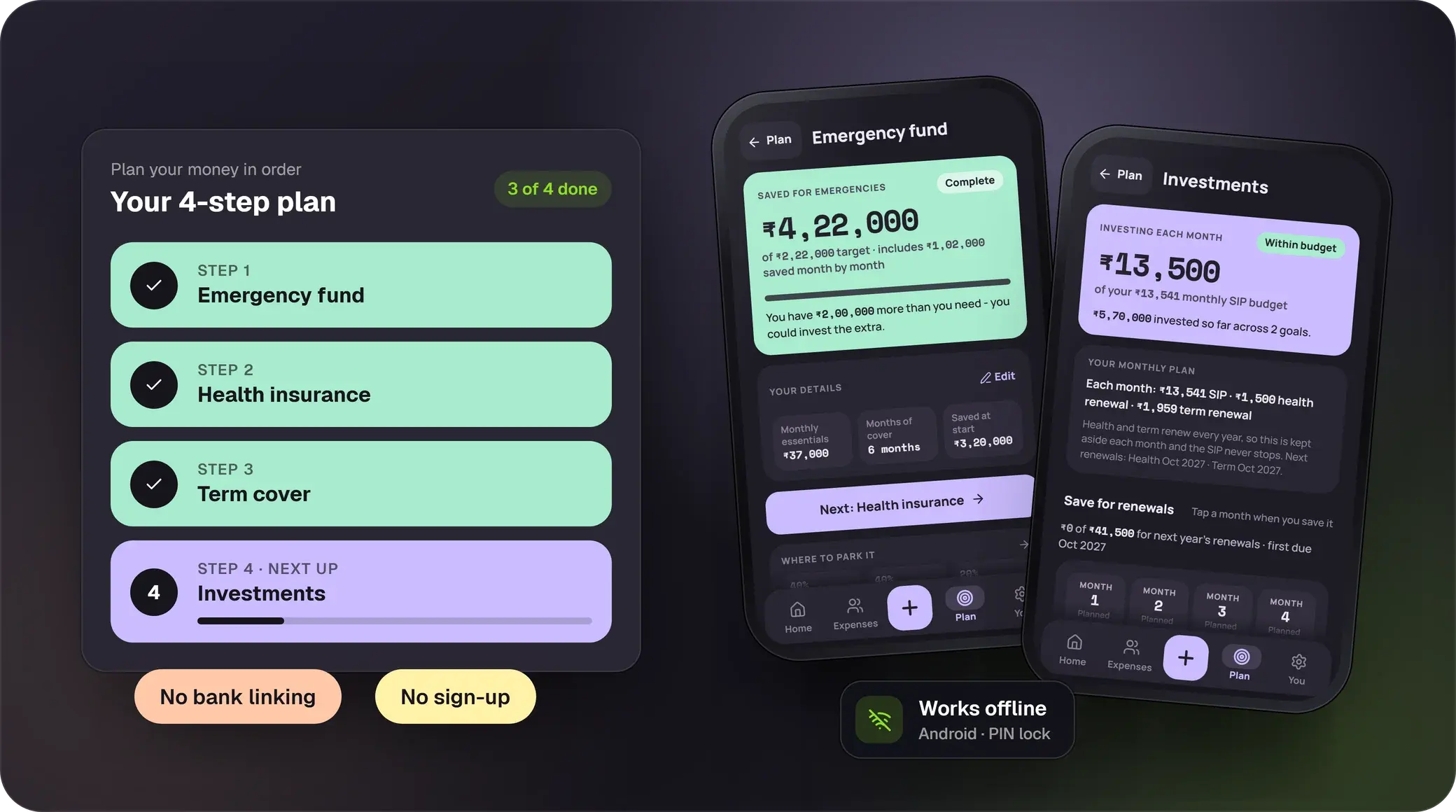
YojIQ differs from a cloud-synced service with an offline mode: the YojIQ app requires no account, has no cloud sync and requests no internet permission at all. It is an Offline Budget Planner that records who paid, supports equal amounts, exact amounts, percentages and shares, and calculates a settlement plan. Other people cannot sign in and update the same ledger from their phones.
The YojIQ app has no internet permission, so its data stays on your phone unless you export a backup yourself. The person holding the phone controls the record and the exported backup.

Use a two-minute selection test
Ask these questions in order:
- Must every member enter expenses? If yes, choose a genuinely collaborative service.
- Must changes appear on several devices? If yes, local-only tools are unsuitable.
- Is one record keeper acceptable? If yes, an offline ledger becomes practical.
- Do you need attachments or receipt evidence? Verify this in the current release of any product.
- How will you leave? Test export, backup and deletion before committing to the tool.
A five-person trip may benefit from shared entry, while two flatmates with one household record keeper may prefer a local ledger. For a worked rent example, see how to split rent and bills offline. For the YojIQ app's privacy boundary, use the private budgeting app verification checklist.
YojIQ's limitations
YojIQ is Android-only. It does not link bank accounts, import transactions automatically, offer a web dashboard or synchronise a group across phones. Every entry is manual. Because the YojIQ app has no internet permission, it cannot send cloud invitations or keep another person's device updated.
YojIQ is suitable only when local control and offline use matter more than live collaboration. If every member expects to contribute from their own device, choose a multi-user service instead.