An offline expense tracker should let you create, edit, search and review expenses in flight mode—not merely open a cached screen. Before trusting one, test a full expense cycle without connectivity, inspect its Android permissions, understand where backups go, and confirm how data moves to a new phone.
- “Works offline” and “cannot use the internet” are different claims.
- A local-only app avoids cloud dependency but makes your backup practice more important.
- Manual entry provides control, not automatic accuracy; reconcile it against your bank balance.
- YojIQ is an Android-only, manual, single-device Offline Budget Planner. It does not import bank transactions or sync across devices.
What offline should mean in practice
Test the tasks you will actually perform with both mobile data and Wi-Fi disabled.
| Test | Pass condition | Why it matters |
|---|---|---|
| Add and edit an expense | The saved value remains after closing and reopening the app | A cached screen is not durable offline storage |
| Create a recurring expense | The next occurrence is available without a network | Scheduled budgeting should not depend on sync |
| Review totals | Categories and monthly totals recalculate correctly | Offline entry is useless if reports need a server |
| Export a backup | You can create and identify a file you control | Local data needs a recovery path |
| Restore on a spare/test device | The restored record matches the original | An untested backup is only a hope |
Android's app information screen can show declared permissions, but a meaningful privacy review should also inspect the final release manifest and network behaviour. The private budgeting apps guide explains that distinction using YojIQ's project as a concrete example.
A workflow that keeps manual records useful
Manual tracking works when the routine is small:
- Enter expenses close to the time they happen.
- Use a short, consistent set of categories.
- Record cash withdrawals as transfers or reconcile their later cash spending—do not count both.
- At payday or month-end, compare the app's expected balance with your actual bank and cash balances.
- Investigate the difference, then save a closed-month snapshot.
The reconciliation step catches missed expenses, refunds, duplicate entries and timing differences. It does not prove the app is correct, but it prevents a clean-looking dashboard from becoming the only source of truth.

Offline options compared
| Method | Strength | Cost of that choice |
|---|---|---|
| Paper ledger | No device or account dependency | Totals, search and backup are manual |
| Local spreadsheet | Flexible formulas and portable file | Mobile entry and formula safety need care |
| Offline-first app | Faster entry and built-in totals | You depend on its export and restore design |
| Cloud tracker with offline mode | Can combine offline entry with multi-device access | Sync, account and privacy boundaries must be understood |
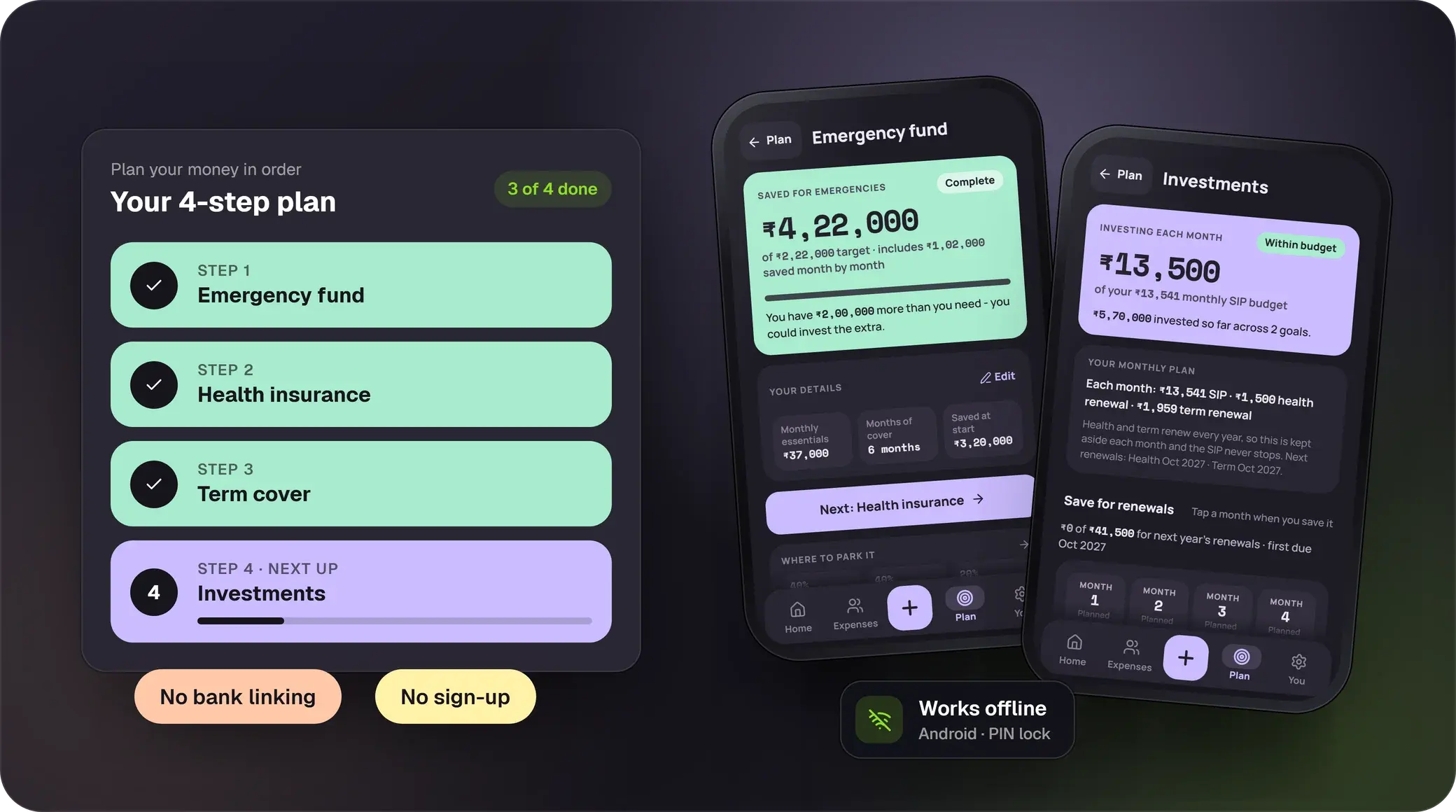
YojIQ is an Offline Budget Planner in the offline-first app column. The YojIQ app records expenses, recurring items, salary cycles and shared bills locally. It also exports an encrypted backup chosen by the user.
The YojIQ app has no internet permission, so its data stays on your phone unless you export a backup yourself.
What YojIQ does and does not do
YojIQ can show money left until payday, a daily limit, Needs/Wants/Savings totals and shared balances. The YojIQ app has no sign-up or bank linking. The trade-off is manual entry: it does not fetch account balances, card purchases or UPI history, and it cannot keep a second phone in sync.
The YojIQ app's source manifest removes Android's INTERNET permission, but code review is not the same as release verification. The signed app's merged manifest and network behaviour should still be tested when auditing a specific release.
If the immediate problem is deciding how much remains each day, use the worked formula in daily spending until payday. For a shared household, see splitting rent and bills offline.
Sources
- Android permissions overview — official explanation of Android permission declarations and user-visible permission controls.
- YojIQ privacy policy — product privacy commitments and user responsibilities.
- YojIQ Android project review — source manifest, local persistence, backup encryption and secure-window code reviewed by AiRedHQ on 14 November 2026; release-build checks are identified separately in the privacy guide.