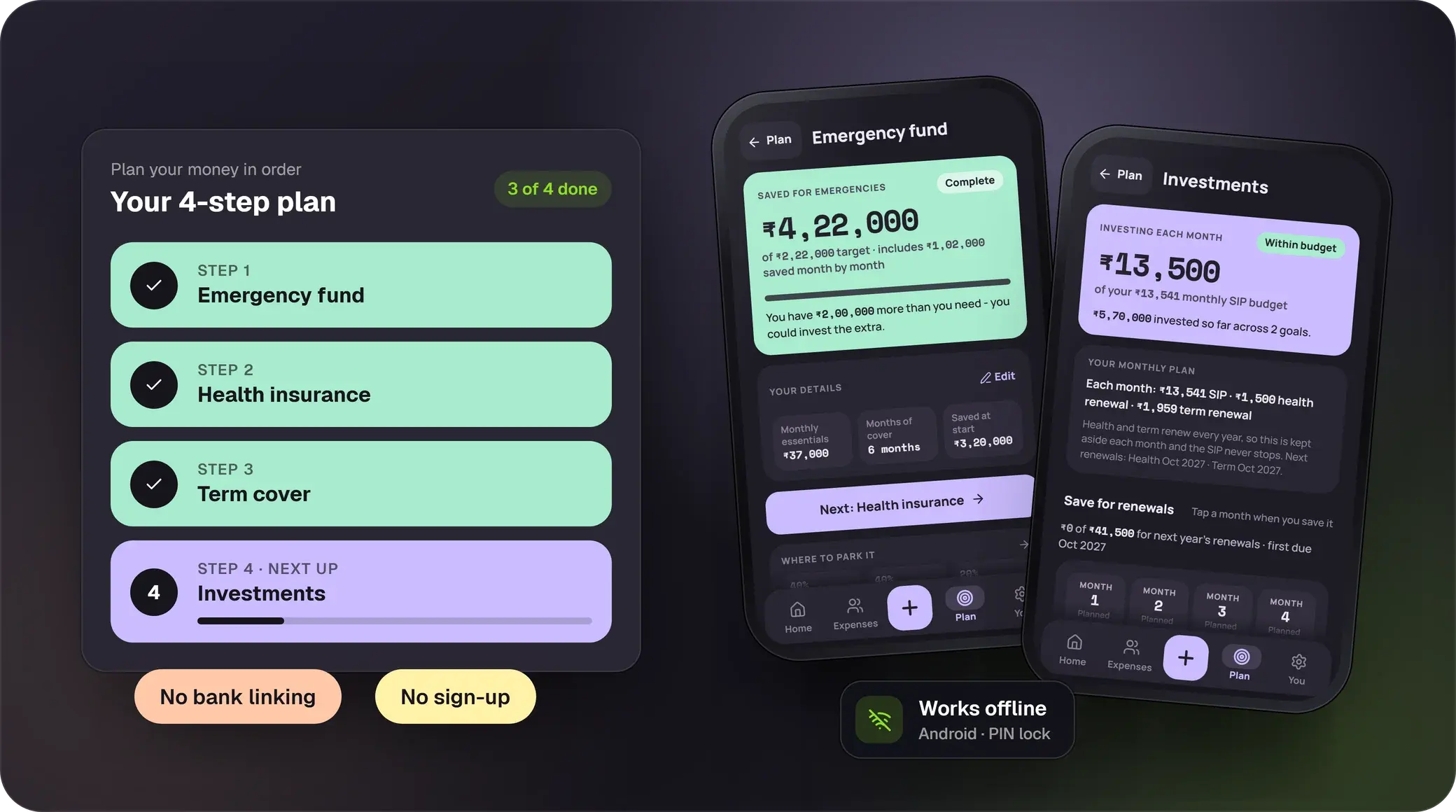
A private budgeting app should make its data boundary testable. Check whether it can access the network, what identifiers or financial data it requests, where records are stored, how backups are protected, and what happens after uninstall or device loss. “Private” is not a substitute for those answers.
- YojIQ is an Offline Budget Planner. Its source project verifies several design facts: the YojIQ app manifest removes internet permission, Android backup is disabled, the main window uses
FLAG_SECURE, and exported backups use AES-256-GCM.- Source review alone cannot prove the signed Play build matches the repository or that every device behaves identically.
- For the YojIQ Android app: YojIQ has no internet permission, so your data stays on your phone unless you export a backup yourself.
- Tracking, screenshot blocking and the exact signed build still require release-artifact or runtime validation.
- A four-digit PIN limits backup-password strength even when the encryption algorithm is modern.
A privacy checklist for any budgeting app
| Question | Evidence worth asking for | What a marketing label cannot prove |
|---|---|---|
| Can the app send data? | Final merged Android manifest plus network testing | “Offline-first” copy |
| Does it use analytics or ads? | Dependency inventory and runtime endpoint audit | A screen with no visible ad |
| Where are records stored? | Storage implementation and device inspection | “Local” without a path or backup policy |
| How are backups protected? | Algorithm, key derivation, restore test and threat model | “Encrypted” by itself |
| Can screenshots expose values? | Secure-window code and device tests | One successful test on one phone |
| What survives uninstall or migration? | Backup/restore and Android data-extraction tests | A general privacy policy |
Android permissions are only one layer. An app with internet permission may still process data responsibly, while an app without it can still expose information through screenshots, weak backups, shared storage or physical access. Privacy is a set of boundaries, not a single switch.
What the YojIQ Android project verifies
AiRedHQ reviewed the YojIQ source project on 14 November 2026. These are implementation facts visible in that project, not claims about every possible build or device.
| Claim | Source evidence | Status |
|---|---|---|
| The YojIQ app source removes internet access | AndroidManifest.xml removes android.permission.INTERNET from the merged manifest | Verified in source; verify the signed release manifest |
| Android system backup is disabled for the YojIQ app | The application sets allowBackup="false" and fullBackupContent="false" | Verified in source; test device migration and extraction rules |
| YojIQ app screens are protected | MainActivity applies Android FLAG_SECURE | Verified in source; test screenshots, recording and recent-apps thumbnails on supported devices |
| YojIQ app backups are encrypted | Backup code uses AES-256-GCM with PBKDF2-SHA256 and 600,000 iterations | Verified in source; cryptographic implementation has not been independently audited |
| YojIQ backup tampering is detected | AES-GCM decryption fails for a wrong PIN or changed ciphertext | Verified in code and testable; run release restore tests |
| The YojIQ app asks for no bank login | Reviewed product flow has manual entry and share-to-app inputs, not bank authentication | Verified in reviewed source; repeat dependency and UI audit per release |
The backup code documents an important limitation: the encryption key is derived from a four-digit PIN, which has only 10,000 possibilities. The high PBKDF2 iteration count slows guessing but does not turn that PIN into a high-entropy password. Keep the exported file private; encryption does not make careless sharing safe.

Claims that still need manual or external validation
| Claim | Required validation before stronger publication |
|---|---|
| “The YojIQ Play build has no internet permission” | Inspect the signed APK/AAB's merged manifest or installed package permissions for the exact release |
| “The YojIQ app makes no network requests” | Monitor a release build during onboarding, scanning, backup, review prompts and normal use |
| “The YojIQ app contains no tracking or advertising SDK” | Audit the complete release dependency graph and runtime endpoints; repeat after dependency updates |
| “The YojIQ app's local-data boundary holds in the signed release” | Combine signed-manifest inspection, network testing and tests of explicit user actions such as exporting or sharing a backup |
| “YojIQ app screens cannot be captured” | Test screenshots, screen recording, recent-apps previews and OEM behaviour across supported Android versions |
| “A YojIQ encrypted backup resists the stated threats” | Independent cryptographic review plus lost-device, tampering and offline-guessing threat analysis |
| “YojIQ's Google Play Data safety declaration matches the release” | Compare the developer declaration with the exact production build and current Play Console form |
These are content-review requirements, not unfinished placeholder claims. The source evidence and the release-validation evidence answer different questions and should remain labelled separately.
Where YojIQ fits
YojIQ is an Offline Budget Planner for people who prefer manual entry, no account and a local Android record. The YojIQ app does not include bank linking and works without a server. It also has real limitations: Android only, no web access, no cross-device sync, no automatic bank import, and recovery depends on the backup file the user exports and keeps.
Sources
- Android permissions overview — official Android documentation on permissions.
- Android
FLAG_SECUREguidance — official Android guidance on protecting sensitive activities from screenshots and non-secure displays. - YojIQ privacy policy — published product policy.
- YojIQ Android project — manifest,
MainActivity, persistence andbackupCryptoimplementation reviewed by AiRedHQ on 14 November 2026.